 A free guide from Planet 3DP
Free printable cheat sheet · 1 page PDF
Prevent FailsCheat Sheet
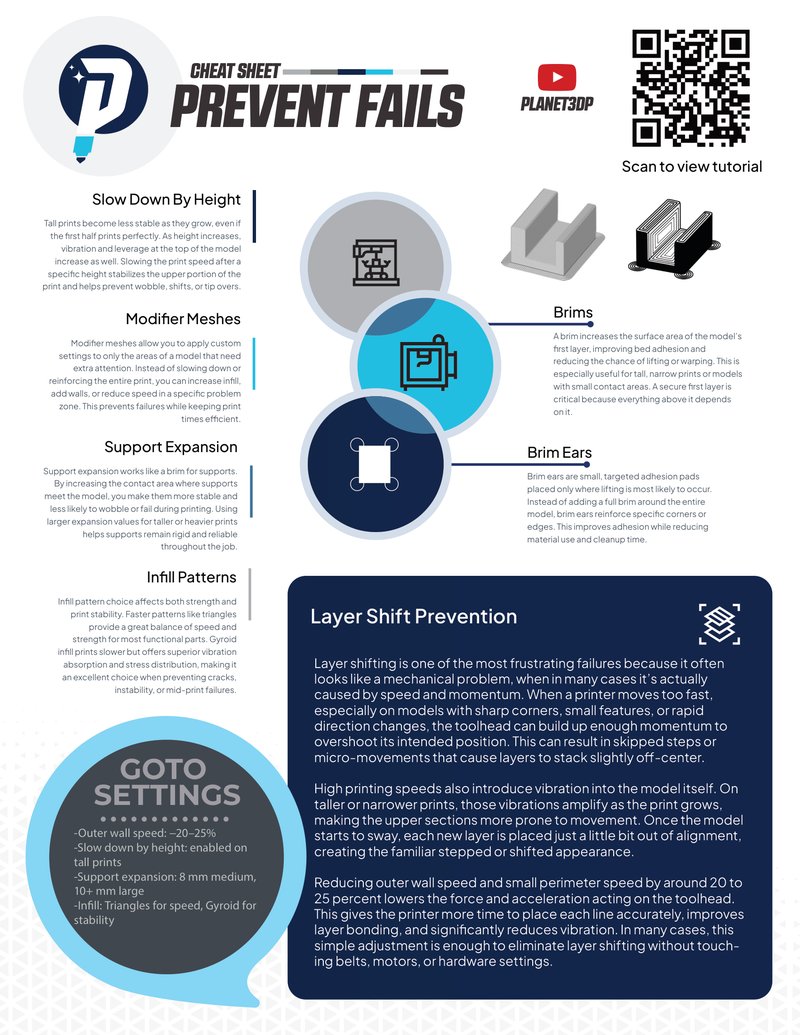
The fixes from my failed prints video on one printable page: slow down tall prints, pick the right infill, add brims and brim ears, and expand your supports. Plus the settings to go to.
Where should we send it?
Tell us your first name and email, and the PDF link is on its way.
Free. No spam, just the guide and the occasional 3D printing email from Nick. Unsubscribe any time.
- 1Printable page
- 6Fixes explained
- 4Settings to go to
- 20 to 25%Outer wall slowdown
What’s on the page
Each fix in a few lines, plus the layer shift explainer and a settings list.
Slow down by height
Tall prints get less stable as they grow. Slow the print after a set height to stop wobble, shifts and tip overs.
Modifier meshes
Apply custom settings to only the problem zone. Add infill, walls or a slower speed there and leave the rest alone.
Support expansion
Works like a brim for supports. More contact area makes them stable and less likely to wobble or fail.
Infill patterns
Triangles are a great balance of speed and strength. Gyroid is slower but absorbs vibration better.
Brims and brim ears
A brim grips the first layer. Brim ears add adhesion only at the corners where lifting is most likely.
Layer shift prevention
Why layers shift, and why slowing the outer wall and small perimeters often fixes it with no hardware changes.
Go to settings
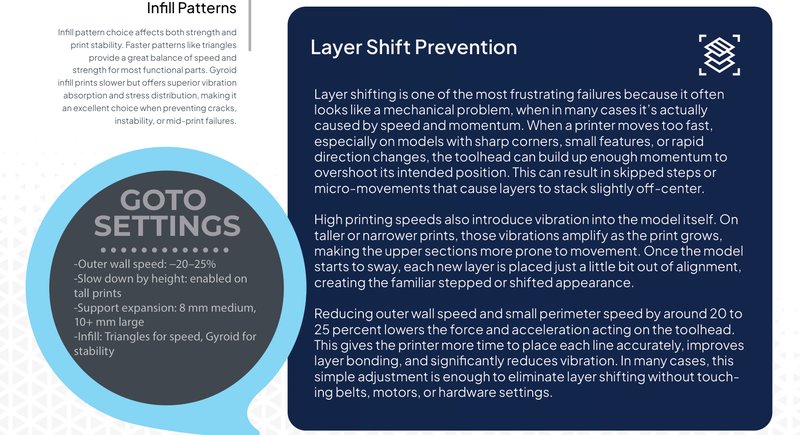
The short list from the bottom of the cheat sheet:
- Outer wall speedDown 20 to 25 percent
- Slow down by heightOn for tall prints
- Support expansion8 mm medium, 10+ mm large
- InfillTriangles for speed, Gyroid for stability
Plus a QR code to my tutorial video.

Made by Nick from Planet 3DP, where 80,000+ makers subscribe on YouTube. This guide goes with his video “Your 3D Prints Keep Failing (Here’s Why)”, which has 23,000+ views.
Stop losing prints to the same mistakes
Send me the free guideIt takes ten seconds. The link lands in your inbox.