
Nick’s P1S print farm
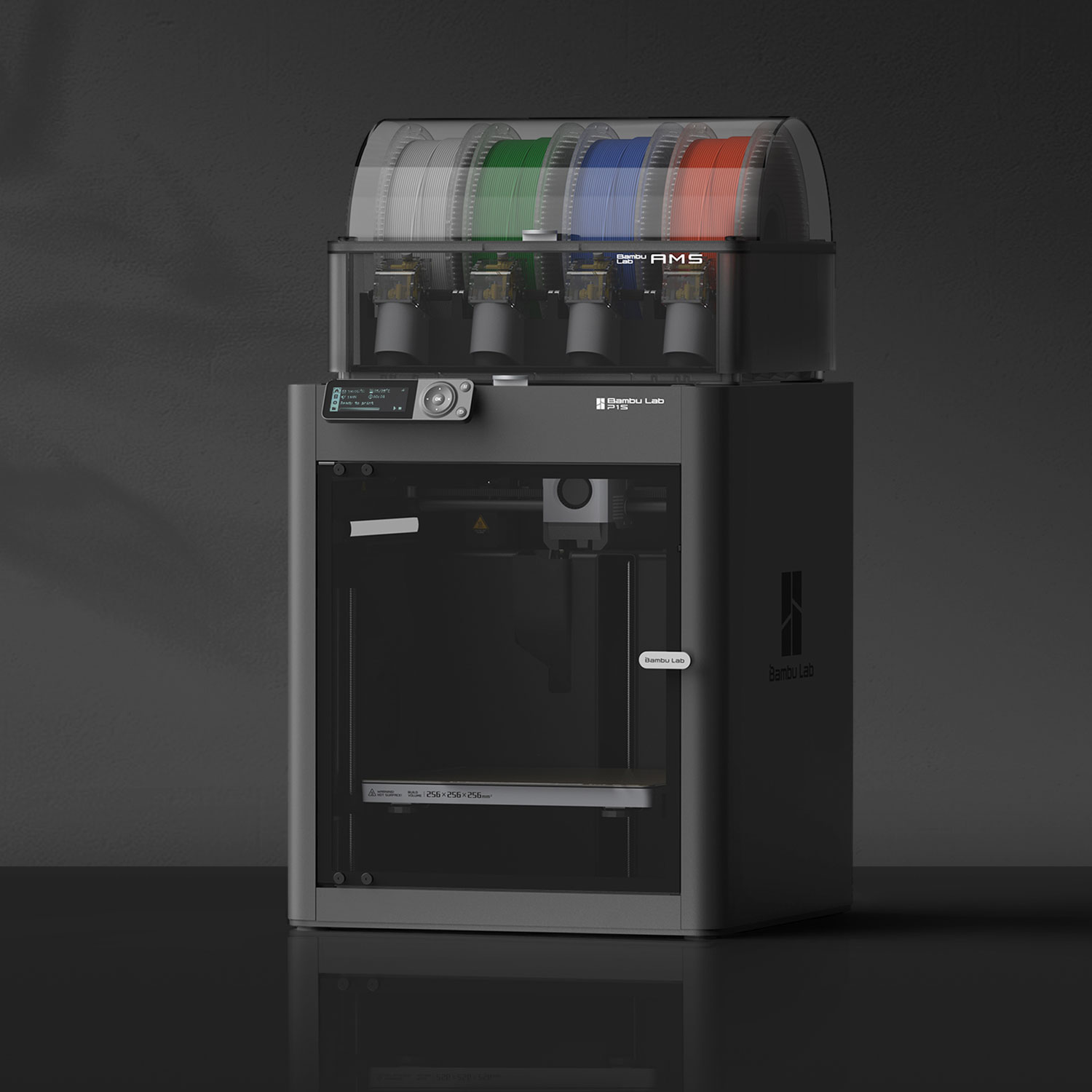
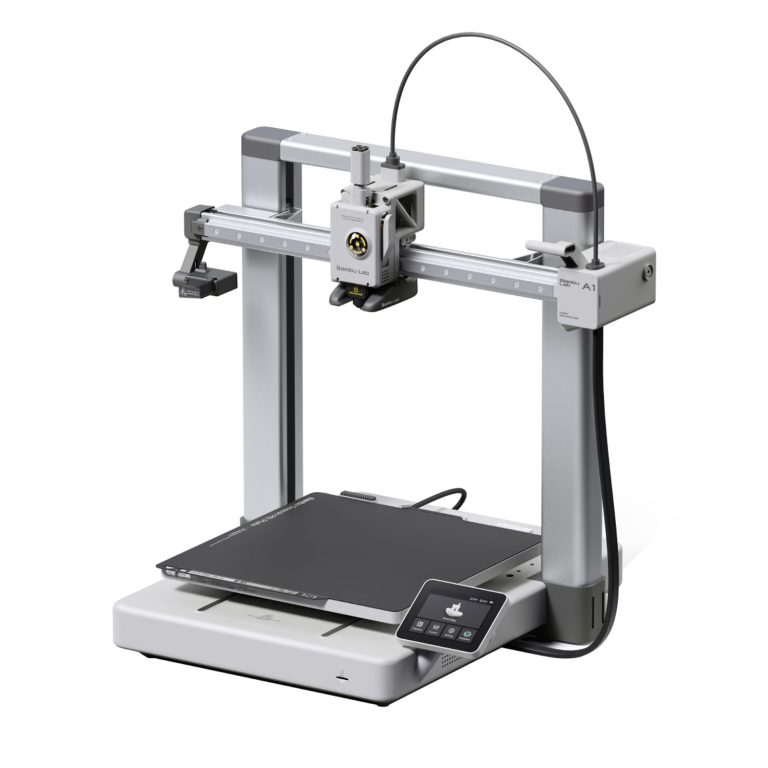
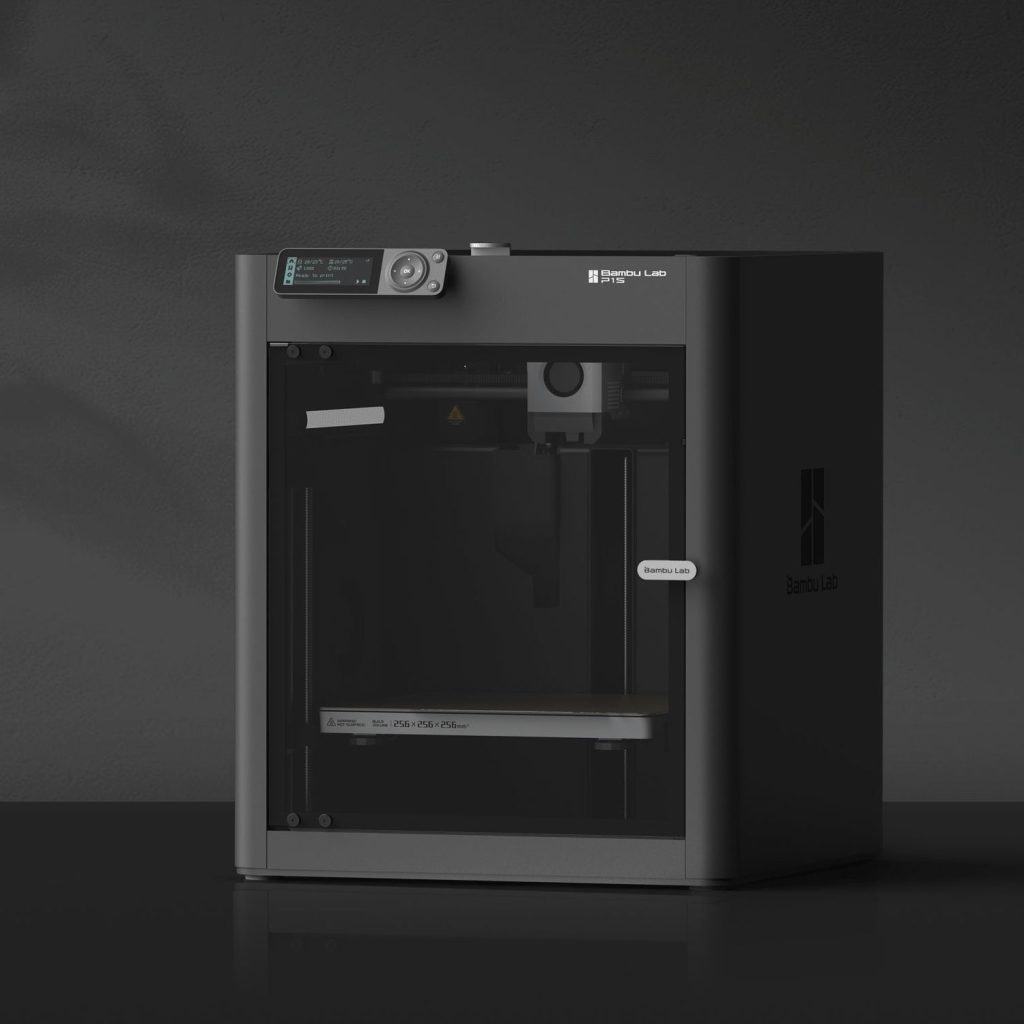
Planet 3DP’s Nick Nicholls runs two P1S printers in his print farm. He calls the P1S “one of the most reliable machines I’ve ever run” (watch at 1:02) and says his two have been running without complaint for well over 10,000 hours (watch at 11:47). He printed his full size T-Rex skull, over 100 parts, on those two P1S machines and his A1s (watch at 6:05). He filmed unboxing his second P1S with his daughter in early 2024 (watch the unboxing).
What went wrong
Two faults show up in his videos. One P1S developed a clicking noise when extruding, and when he took the extruder apart he found an unusually large piece of filament built up on the extruder gear (watch at 3:09). He has also had to replace the silicone sock on the hotend once, after it built up gunk, stopped deflecting hot filament and tore (watch at 5:26). He recommends checking the cutter blade every 6 to 12 months, sooner if you print a lot of colour changes (watch at 4:51).
The P1S against the P2S
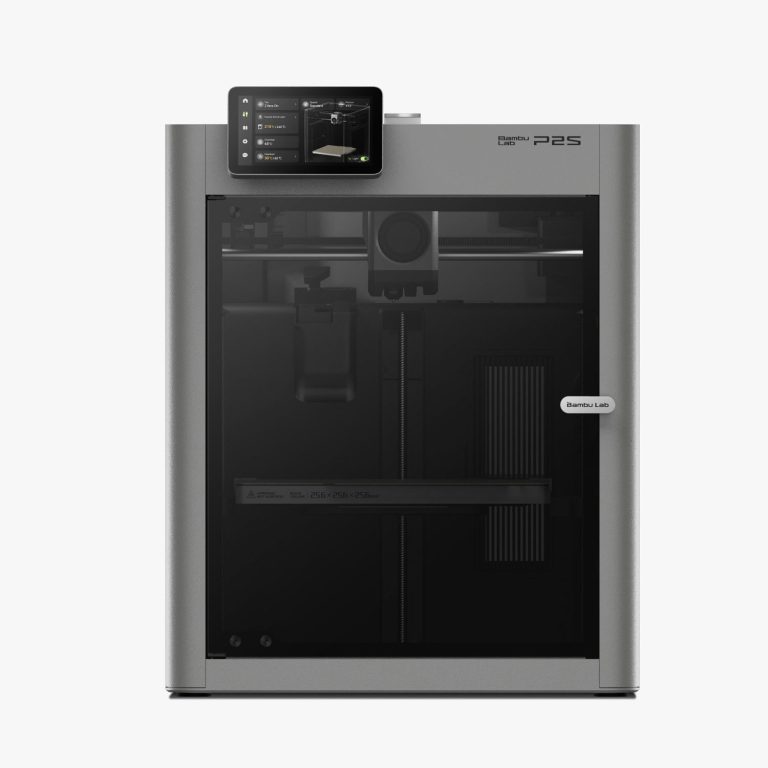
Bambu Lab’s P2S is the newer model, and Nick calls it a direct upgrade to the P1S, with a better extruder, better thermals, a new touchscreen and the AMS 2 Pro with active drying (watch at 1:09). In a short he says the P2S fixed three of the most annoying things about the P1S. Those are the nozzle swap, switching between the AMS and an external spool, and the camera and lighting (watch the short). Even so, he says he isn’t replacing his P1S machines anytime soon (watch at 11:47).
Specs, and who it suits
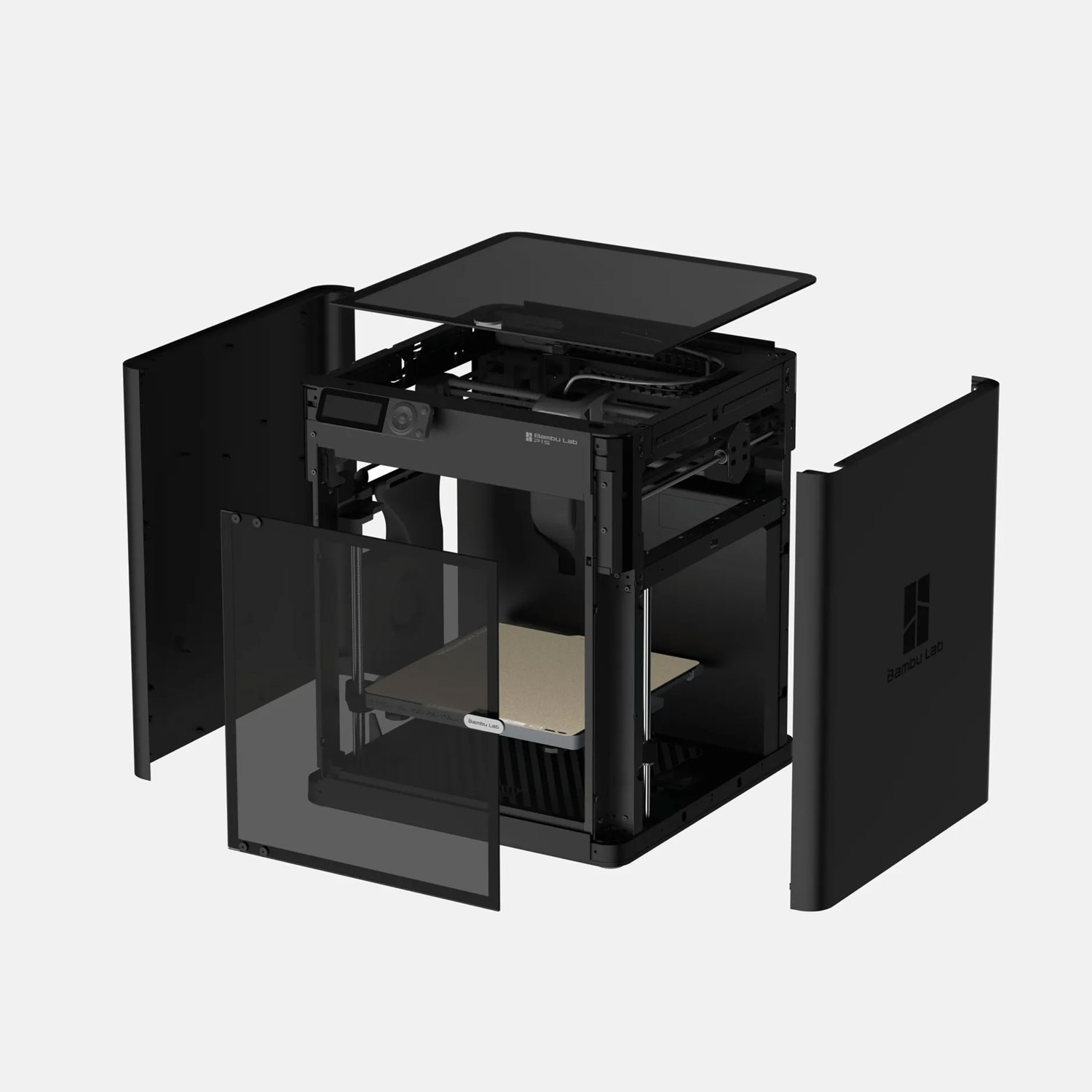
Bambu Lab’s own comparison table gives the P1S a 256 by 256 by 256 mm build volume, a 500 mm/s top toolhead speed, a 300°C hot end with a 0.4 mm stainless steel nozzle, a plastic and glass enclosure and an activated carbon filter. It lists ABS and ASA as ideal and PA and PC as capable, which is what the enclosure buys you over an open frame machine. If you already own one that works, Nick’s own choice is to keep it. Buying new, compare what the P2S adds against the price difference on the day.