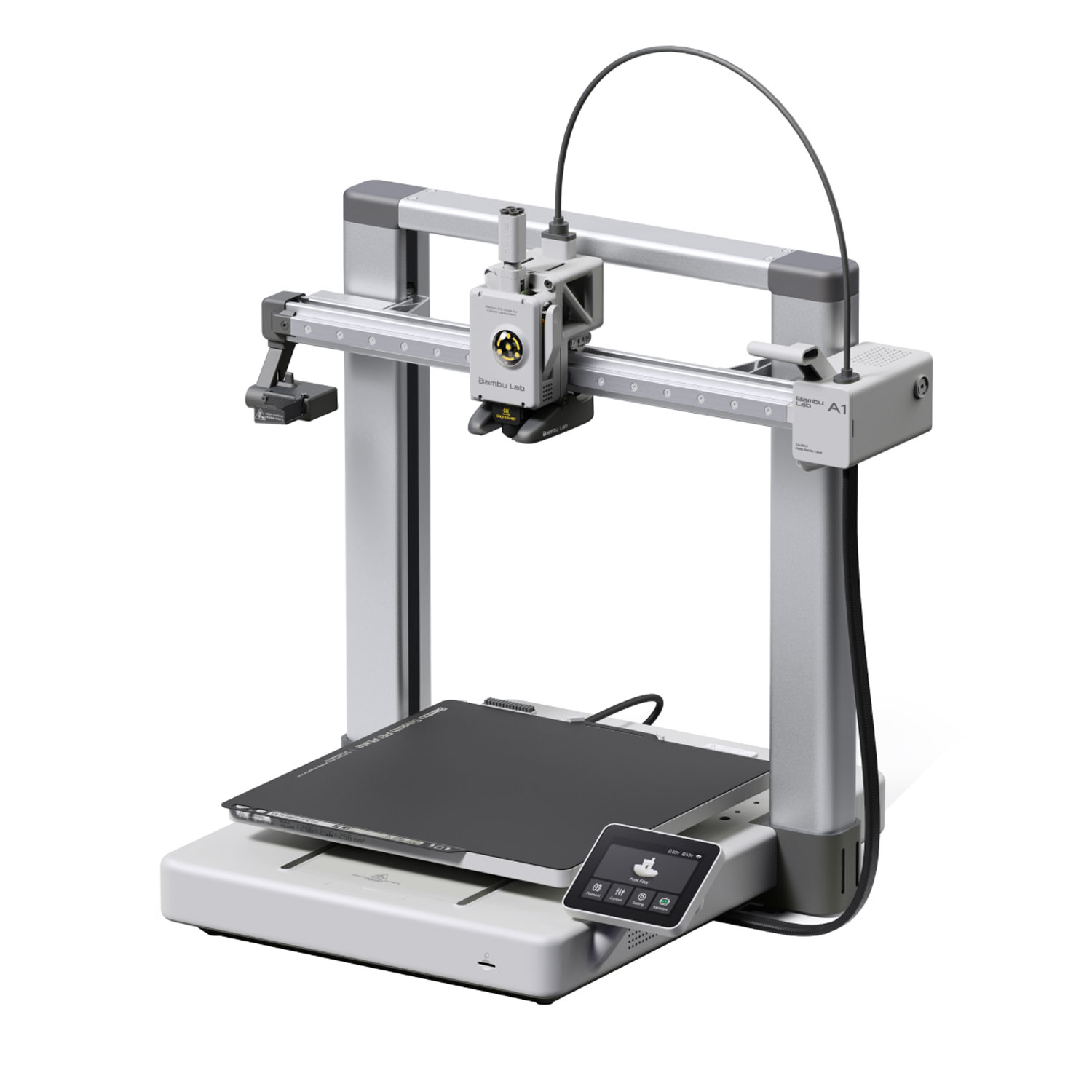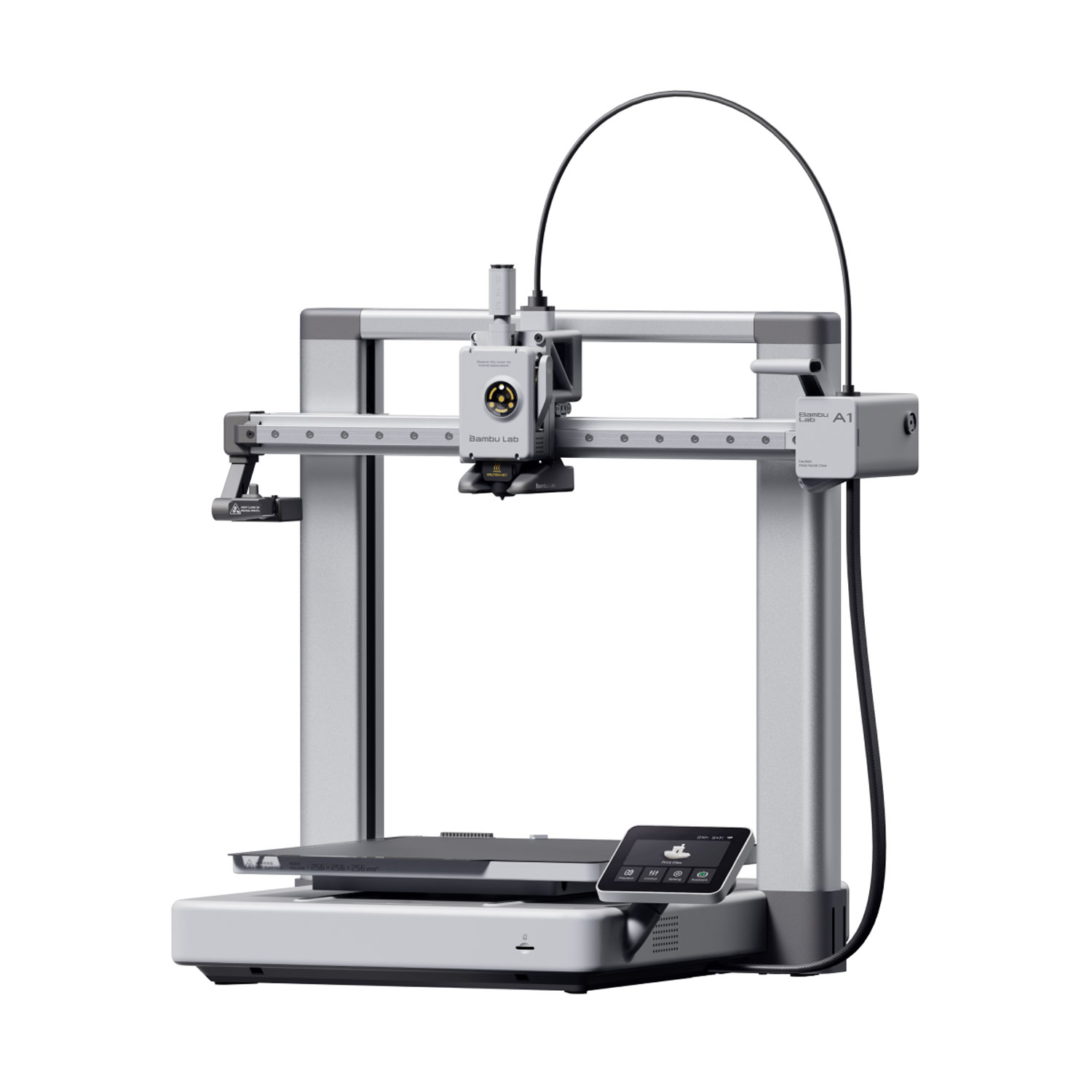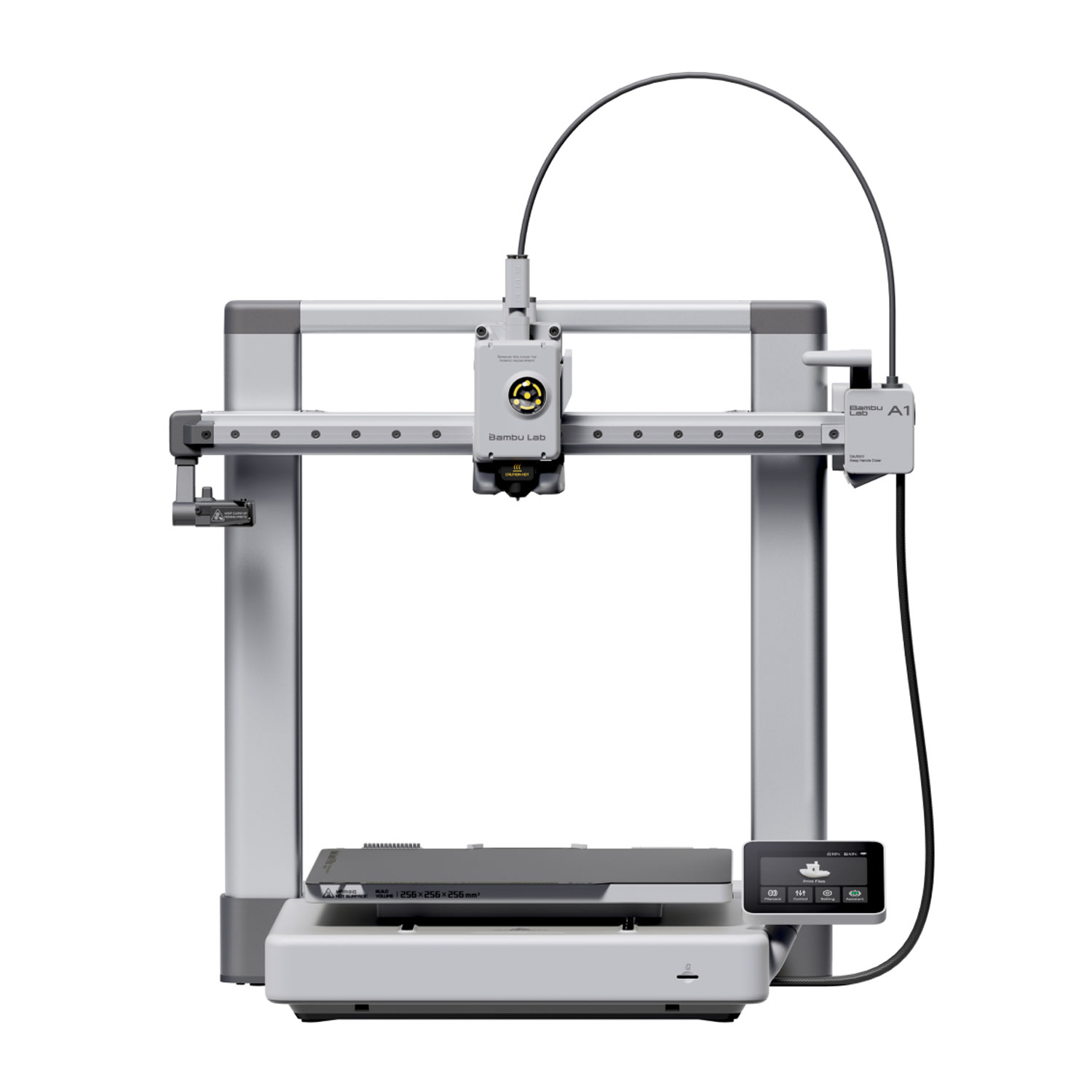

What Nick has run on the A1
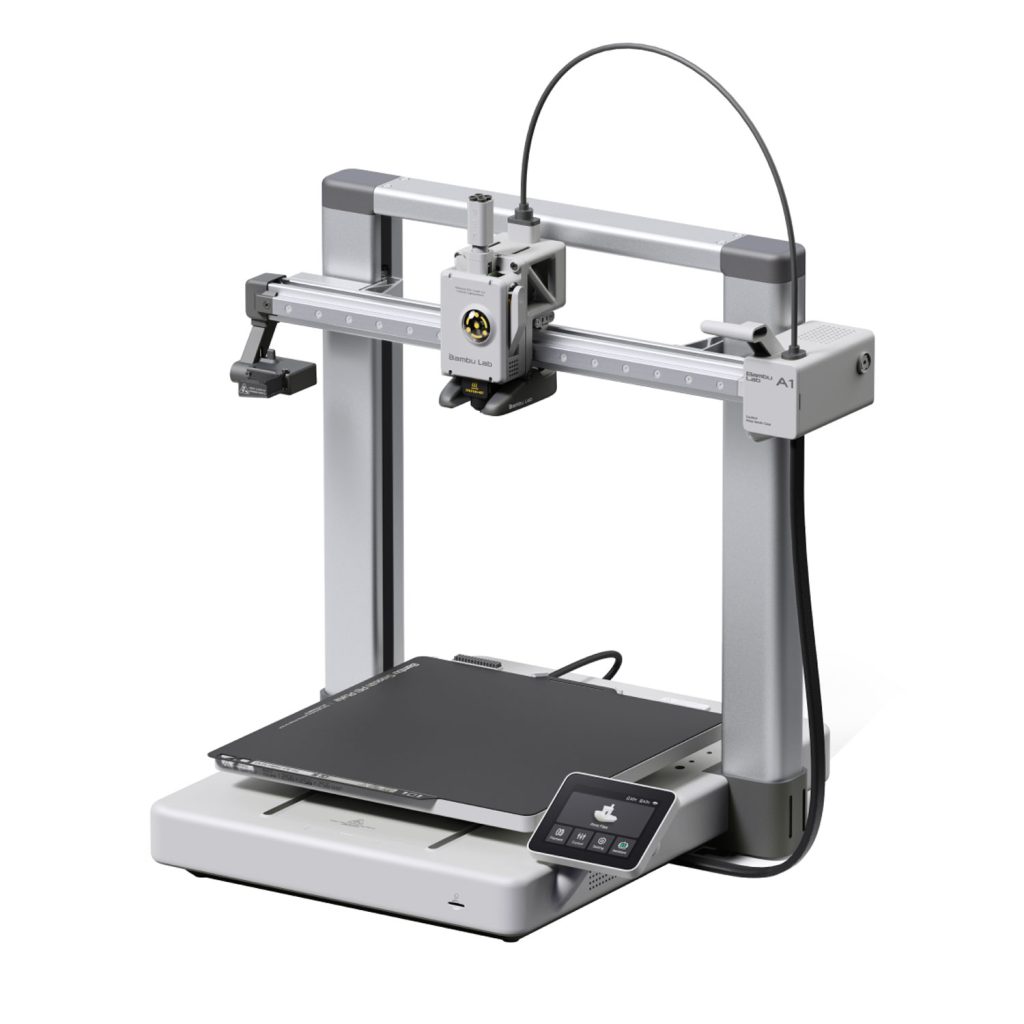
Planet 3DP’s Nick Nicholls owns several A1s and A1 minis. In his 2026 beginner printer comparison he says, “I have put thousands of hours of print time on them with minimal issues” (watch at 5:21). His A1 maintenance guide adds that the extruder gear on his machine has over 5,000 hours on it and is still going strong (watch at 1:35), and he’s still printing on his first A1 today (watch at 28:30).
His case for it is age. The A1 launched in December 2023, so the firmware is mature, the community has found every quirk, and print farms run them around the clock. To Nick that’s the strongest proof of reliability you can get at this price.
Setup, and the cost of printing in colour
Building it takes about 25 minutes. Then you scan the QR code on the screen and you’re printing about ten minutes later. His daughter put hers together in a little over 20 minutes (watch at 5:45).
The number to know is purge waste. On the same multicolour Avatar dragon at default settings, the A1 wasted 230 g, against 199 g on the Anycubic Kobra 4 and 128 g on the Creality SparkX i7 (watch at 8:35). In his beginner comparison the Anycubic Kobra X came in at 76 g on a dragon print (watch at 26:20). Nick puts the A1’s purge at about 73 mm of filament per colour change (watch at 21:08). If you plan a lot of single piece multicolour prints, that’s the running cost to budget for.
What he’d change
The AMS lite sits out in the open by default (watch at 8:58), and in Nick’s experience that’s where trouble starts. His clog fixing video names the AMS lite filament hub as his number one problem area, because filament left sitting on the AMS lite goes brittle and snaps (watch at 0:30). It’s also an open frame printer, so ABS and ASA are off the table (watch at 10:22). Bambu Lab’s own spec page agrees. It lists ABS, ASA, PC, PA, PET and carbon or glass fibre filled filament as not recommended, and the A1 ships with a stainless steel nozzle.
Who it suits
Nick’s pick for the A1 is the beginner who wants “the most proven tested option on this list” and a printer that just works out of the box (watch at 10:52). Bambu Lab rates it at 256 by 256 by 256 mm and 500 mm/s with a 300°C hot end, the same figures as the spec table above. Skip it if you already know you want ABS or ASA, or if most of what you print is single piece multicolour, where a machine that purges less will save you filament. The full three way comparison is in our best 3D printer for beginners guide.