What Nick tested on the SparkX i7
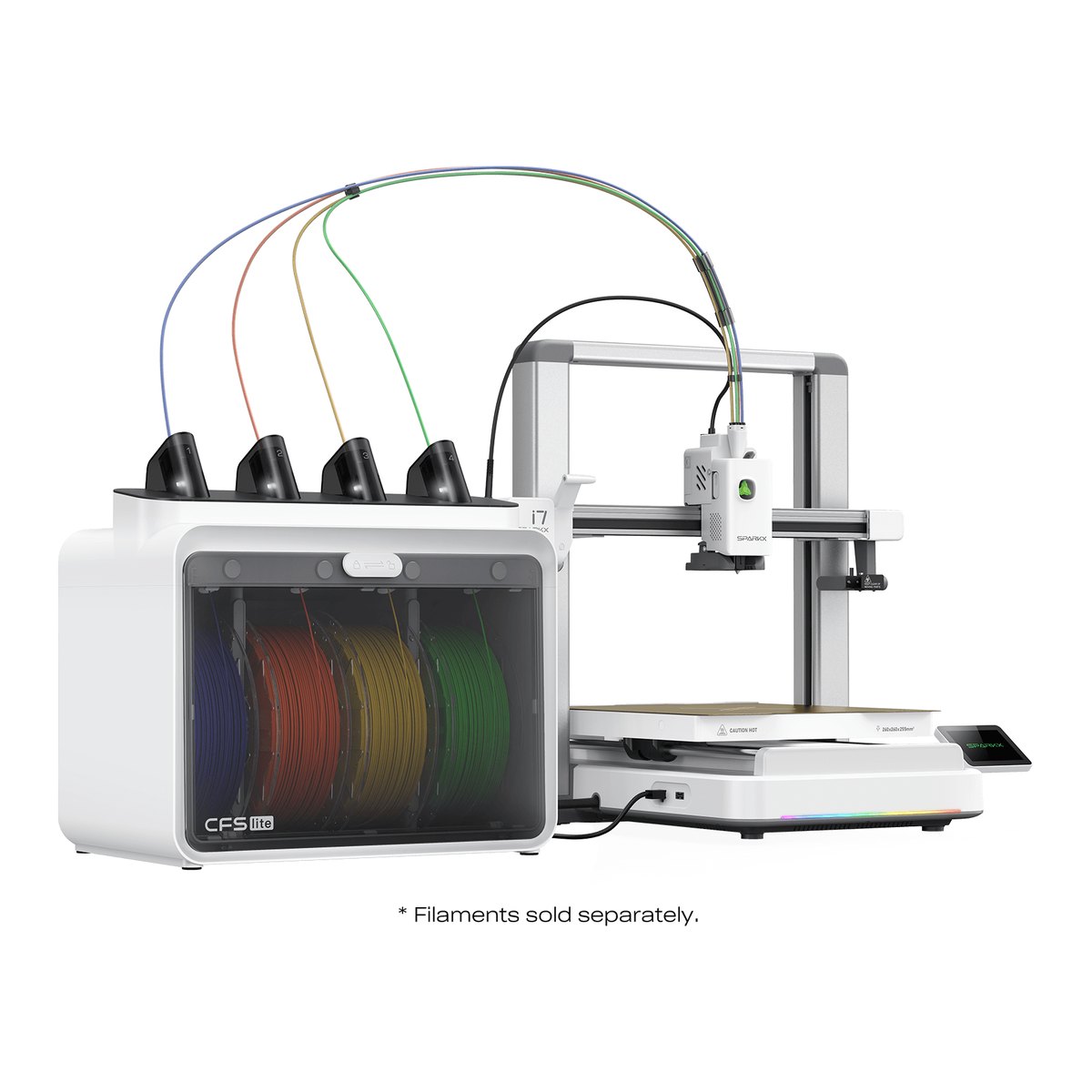
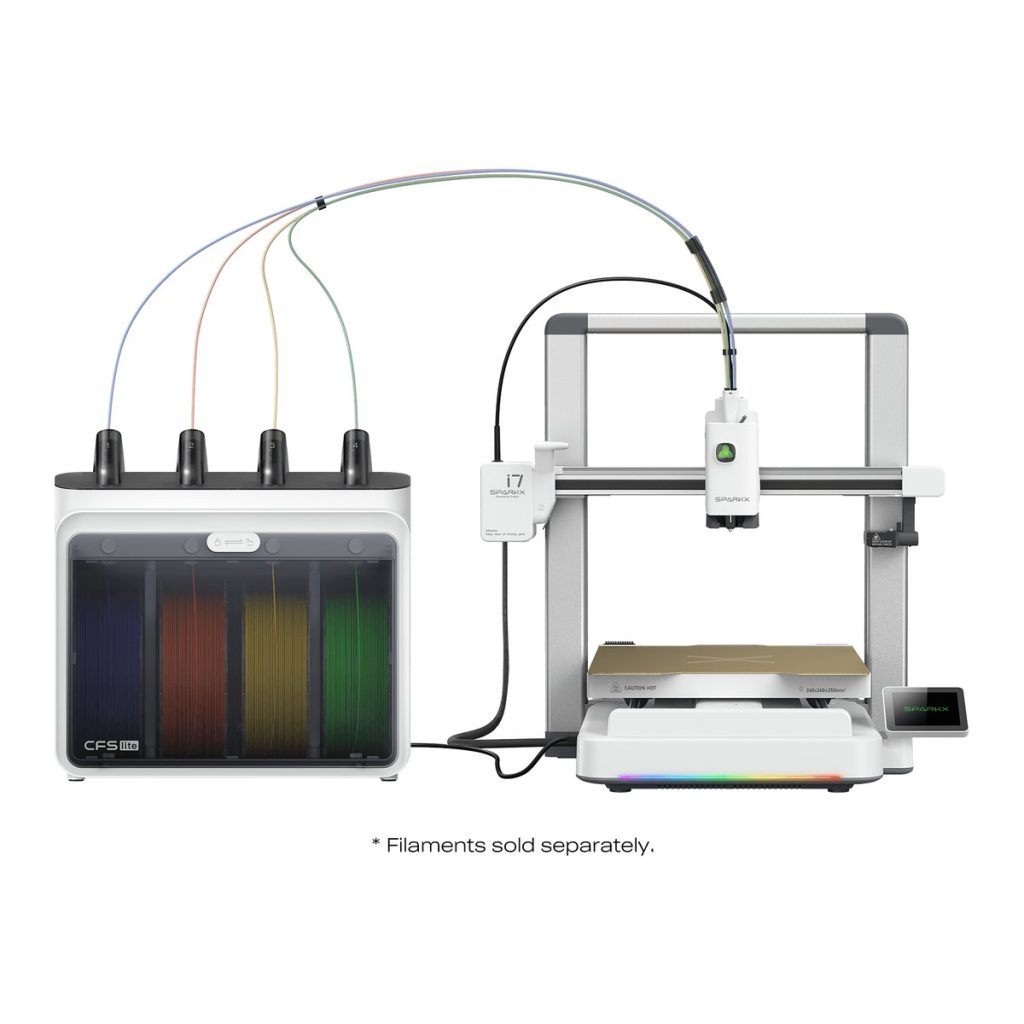
Planet 3DP’s Nick Nicholls ran the i7 with its CFS Lite multicolour unit through a set of test prints on default profiles, with no tuning (watch at 7:13). A single colour PLA shelf model built to stress pressure advance came out with clean walls, sharp corners and no blobs where the head changes direction. That print told him Creality’s pressure advance is “the real deal”. Two PETG mounts printed well apart from a barely visible layer shift on one. A tall Benchy that had failed twice on another machine finished first time, though its front left side showed visible wobble near the top (watch at 9:13). On a two day multicolour dragon, one wing detached as he pulled it off the bed.
The multicolour waste numbers
On the same Avatar dragon with the default 1.0 purge multiplier, the i7 wasted 128 g, against 199 g on the Anycubic Kobra 4 and 230 g on the Bambu Lab A1 (watch at 8:35). That’s about 36% less than the Kobra 4 and 44% less than the A1. Creality advertises 50% less waste, which Nick reads as a comparison with the A1, and on his numbers he calls 50% “a hard reach” (watch at 10:30). On a model where colours blend, he adds, dropping the multiplier to 0.6 or 0.7 cuts the waste further.
What he liked, and what he’d change
The LED status bar surprised him, a feature he’d only seen on Bambu Lab’s pricier H series (watch at 1:41). Bed probing covers only the area you’re printing, so it finishes in about a minute (watch at 3:45). He says the i7 ships with a hardened steel nozzle on a tool free quick swap hotend. Creality’s own spec sheet doesn’t name the nozzle material, so that detail rests on Nick’s unit. On the minus side, the CFS Lite takes only hard 64D TPU and you can run just one of them (watch at 6:00), the AI detection needs a subscription after the first year, and many Creality Cloud models are paid downloads (watch at 11:06). In his beginner comparison he also calls the screen super tiny and a bit sluggish (watch at 16:40).
Who it suits
Nick’s answer is a first printer for someone who wants it to work straight out of the box with a minimal learning curve (watch at 13:17). Creality says box to first print takes under five minutes, and Nick agreed with that claim in his beginner comparison (watch at 12:20). Creality lists a 260 by 260 by 255 mm build volume and up to 500 mm/s, matching the table above, with PLA, PETG, PLA-CF and hard TPU as its filaments. It’s open frame, so if you want ABS, ASA or other high temperature materials, he says this isn’t the machine. His side by side cheat sheet against the A1 and Kobra 4 is on our i7 comparison guide page.