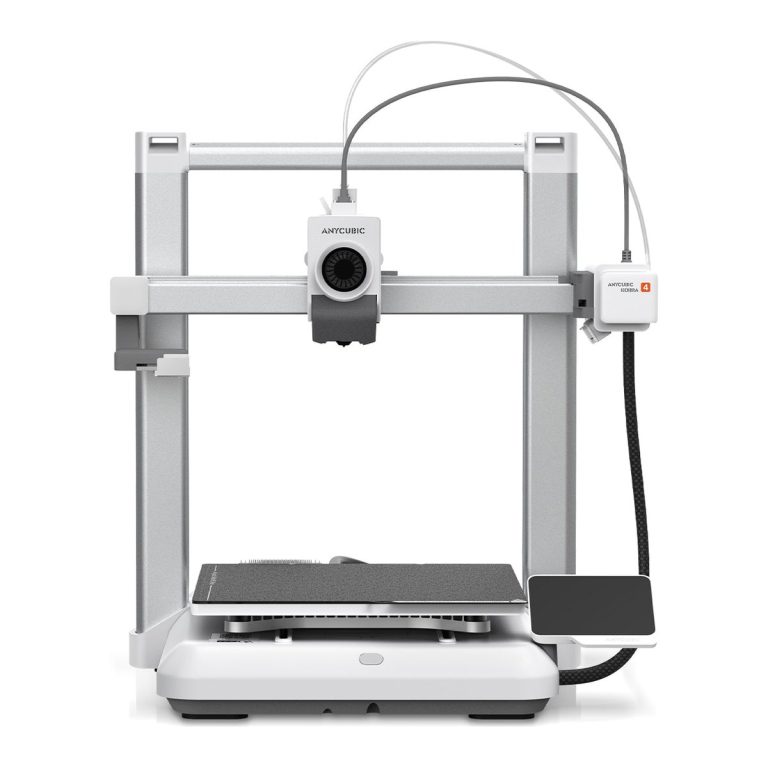

Nick’s first hour with the Kobra X
Planet 3DP’s Nick Nicholls put the Kobra X in his 2026 beginner comparison against the Bambu Lab A1 and the Creality SparkX i7 (watch at 17:39). His first hour was rough. The Benchy stored on the printer failed three times, on three different filaments. He then sliced a Benchy himself on his computer and sent it, and it printed perfectly first time. The fault was in the preloaded files, not the printer, and he hasn’t had an issue since. His advice is to skip the pre sliced files on the machine (watch at 19:09). Out of the box, he says you can be printing in about 20 minutes (watch at 20:14).
Multicolour in the toolhead
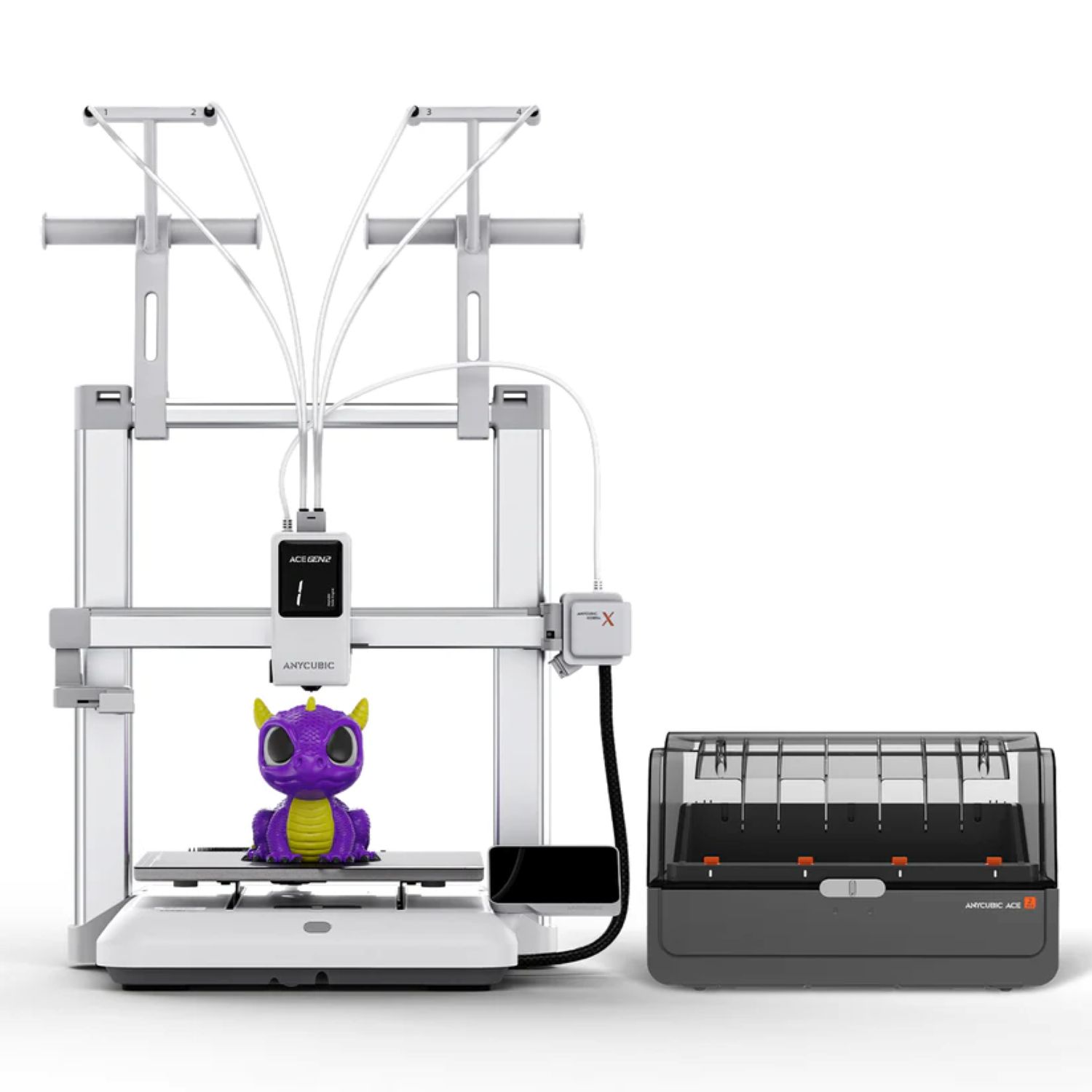
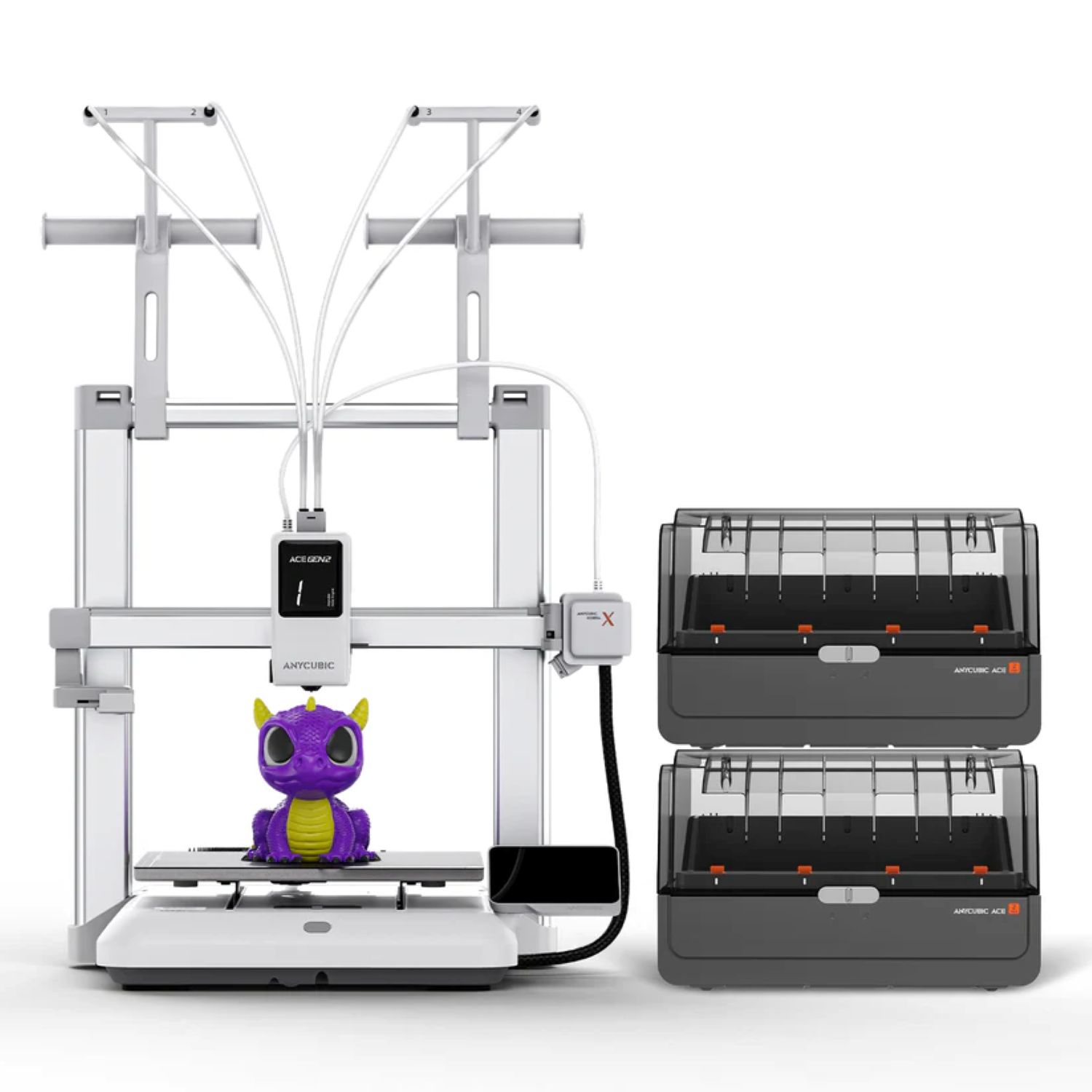
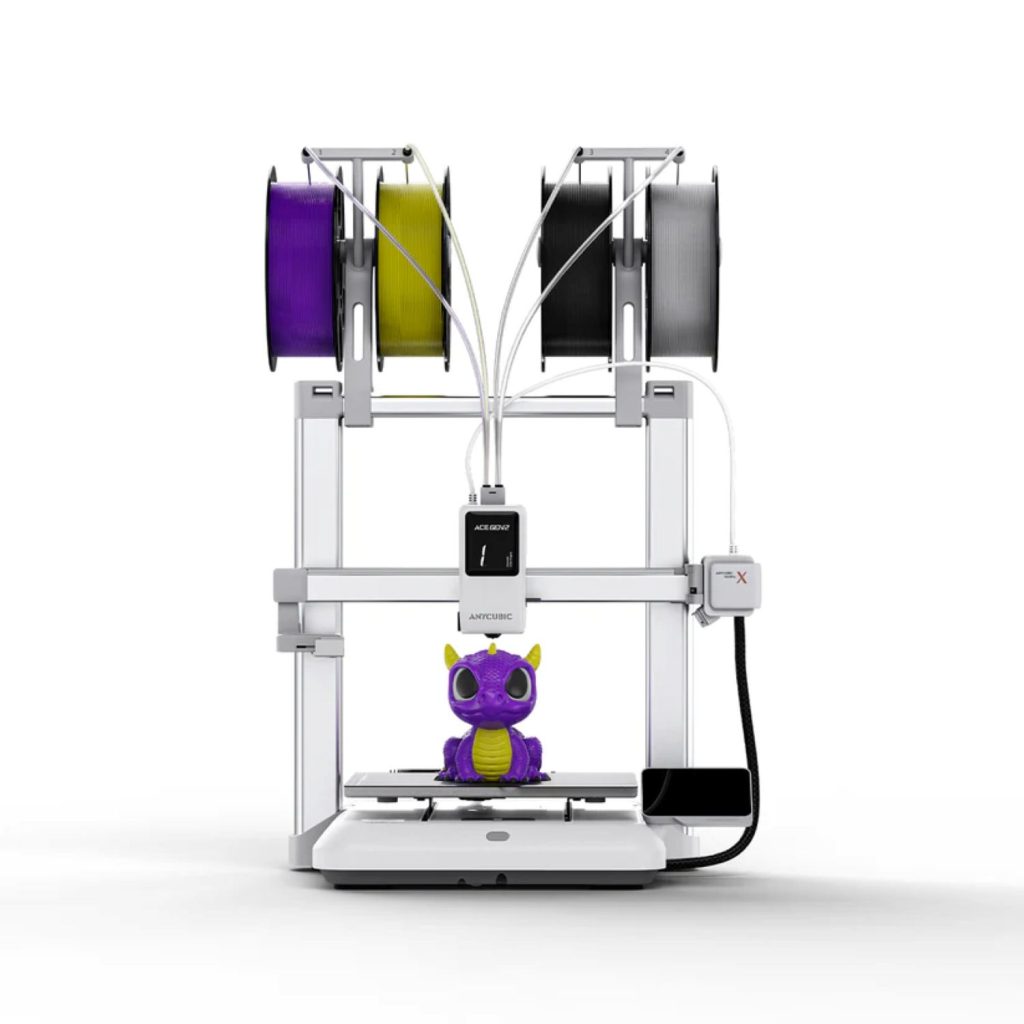
The Kobra X carries four spools on top and feeds them straight into the print head, with no separate box. Anycubic calls the system ACE Gen 2. Because the cutter sits much lower, Nick puts the purge at about 35 mm per colour change, roughly half the 73 mm of the A1 (watch at 21:08). On a dragon print the Kobra X wasted 76 g, against 128 g on the i7 and 230 g on the A1 (watch at 26:20). Anycubic sells it in bundles with extra ACE 2 Pro units for up to 19 colours.
What he’d change
It’s new. It started shipping in late February 2026, and the one thing Nick says he cannot say for sure is “the longevity of this new technology”, because it hasn’t had the A1’s years of use and abuse (watch at 23:15). Four colours is the built in limit, and going past it is an extra purchase. The spools on top sit in the open, though he printed his own enclosure for them from under ten dollars of PETG (watch at 22:30).
The specs, from Anycubic
Anycubic’s own Kobra X page lists a 260 by 260 by 260 mm build volume, a 600 mm/s maximum print speed with 300 mm/s recommended, and a 0.4 mm hardened steel nozzle rated to 300°C. Nick’s video description gives the same 260 mm cube. Where the spec table on this page shows a different build volume or speed, Anycubic’s figures are the ones to go by.
Who it suits
Nick’s pick for the Kobra X is the beginner who wants multicolour at the lowest price of the three and will print a lot of it, because that’s where the lower purge pays back (watch at 25:10). He calls it “kind of a favorite of mine from a beginner standpoint” (watch at 23:15). If you want the most proven machine instead, he points to the A1. The full comparison is in our best 3D printer for beginners guide.