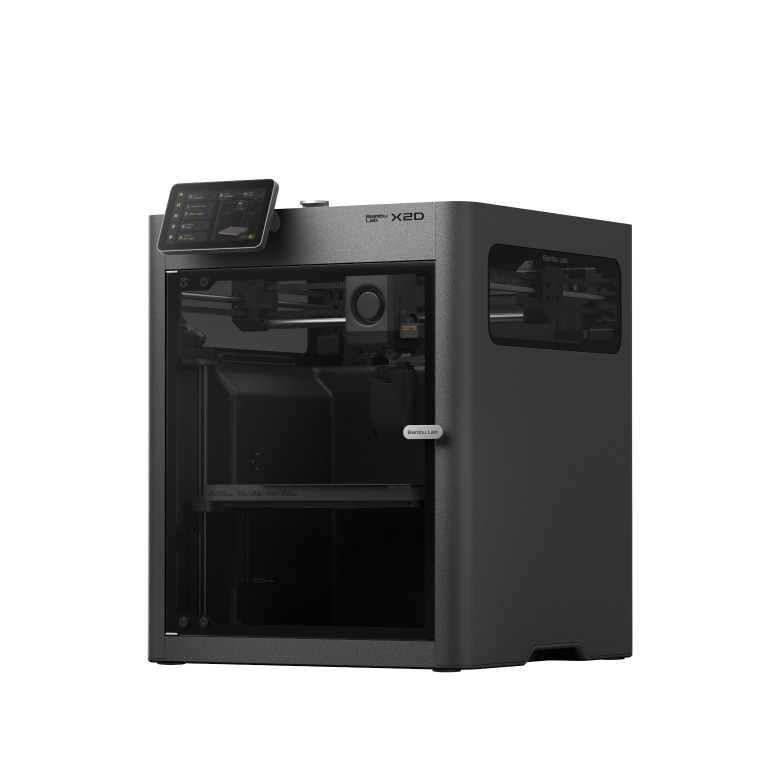

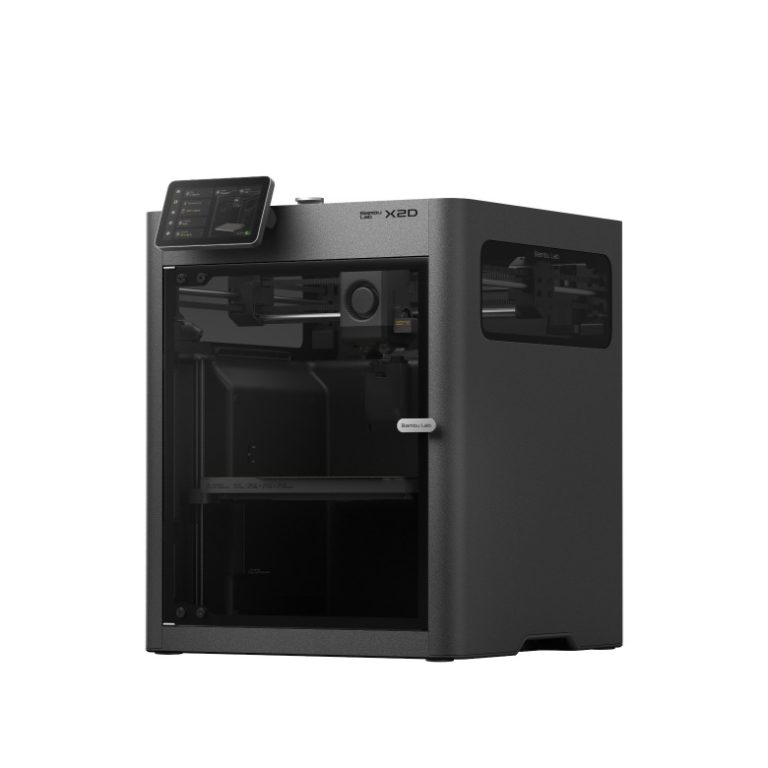
The Bambu Lab X2D is a 256 mm enclosed CoreXY printer with a second, auxiliary nozzle, a heated chamber and a $649 starting price. We printed with it on the Planet 3DP channel, and we also went through the two most-watched X2D reviews on YouTube from other channels, CNC Kitchen and Thomas Sanladerer (Made with Layers). Here’s what all three found, where they agree, and where they don’t.
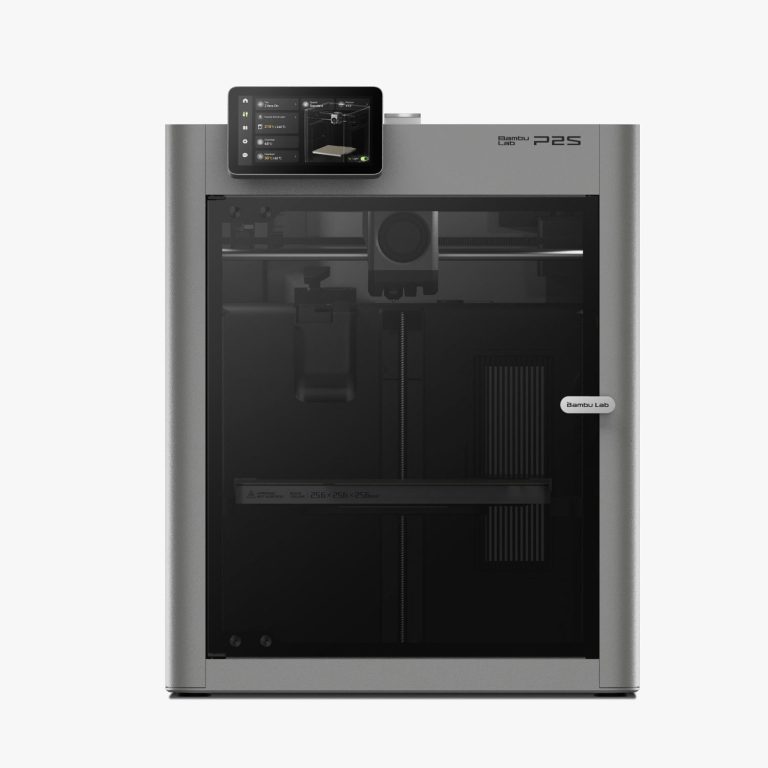
Quick answer: all three reviewers recommend the X2D over the P2S for most people. The second nozzle makes support interfaces clean and cheap to print, and the price gap is about $100. The catch is the auxiliary nozzle: it’s a slower Bowden setup meant for supports and second materials, not for printing your main model.
Buy links may earn Planet 3DP a commission at no extra cost to you. How this works.
Compare the X2D with the P2S side by side
Nick’s take (Planet 3DP)

So here’s the short version. The X2D looks almost identical to the P2S from the outside, but what’s going on inside the tool head is a completely different story. It has a second nozzle, and for the way I print, that second nozzle is the whole reason to buy it.
I print skulls, creatures and fossils, so heavy tree supports are on almost everything I make. To test it, I printed the same Dilophosaurus jaw on both machines, same model and same slicer, PETG with a PLA support interface. On the P2S the single nozzle has to swap filament every time it hits an interface layer, and every swap is a purge. That print took 7 hours and 25 minutes and used 148 grams, and 59 grams of that went straight into the purge bucket. The X2D printed the same part in 4 hours and 14 minutes with 96 grams, and there’s zero purge when it switches between nozzles.
The PLA interface just releases. I had to be careful taking the jaw off the plate because the supports were already falling off, and the surface underneath was ready for paint. I printed the entire skull on the X2D and got the same result on every part.
Now, I know someone’s going to say you can run PLA interface layers on the P2S through the AMS. You can. I tried it on my single nozzle machines, saw the purge numbers in the slicer and went right back to same-material supports, because I couldn’t see myself wasting that much filament. I know because I did it too.
I also ran every engineering filament I own through the X2D with 2 support materials on the second nozzle, Bambu Support for ABS and ASA. There isn’t one winner:
- Support for ABS peeled cleanest on Easy PA, PA12-CF, PA6-GF, ASA, ABS-GF and PC-ABS.
- PA6-CF flipped it. Support for ABS welded right to the part, and ASA came off almost perfect.
- PC was a trade-off. Support for ABS left a beautiful surface but wouldn’t let go, and ASA released but left small grooves.
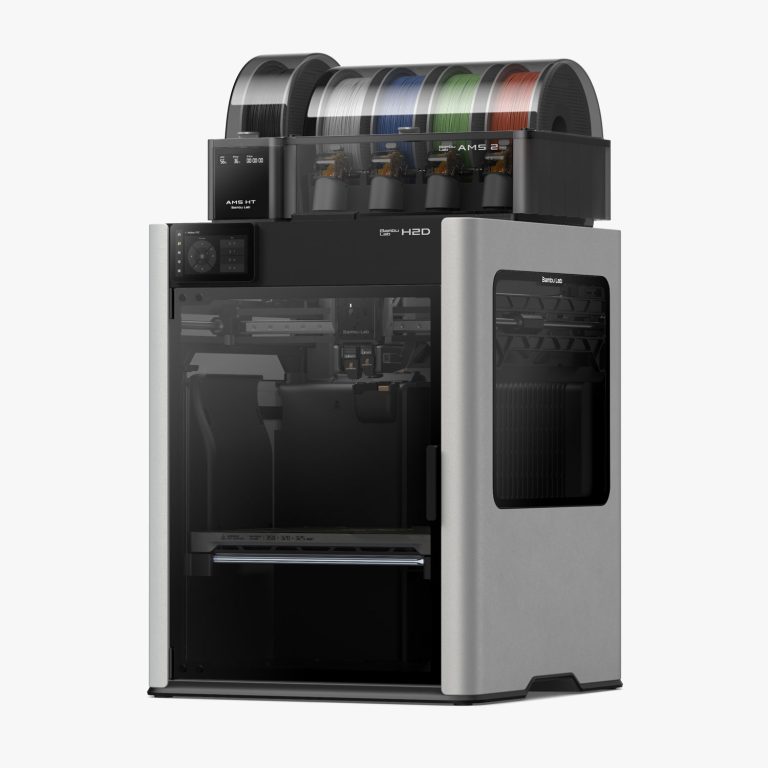
- TPU: PETG and Support for PLA both worked. Just don’t run TPU through the AMS 2 Pro, it binds in the PTFE tubes. Feed it from an external spool into the left nozzle.

My recommendation: get the P2S if your prints don’t live or die by support removal, it’s $100 less and it’s fast, accurate and consistent. Get the X2D if you print organic shapes, figurines or anything with heavy tree supports where the surface under the support matters. And if it’s a toss-up, I’d squeeze out the extra $100 for the X2D without hesitation.
CNC Kitchen (Stefan Hermann)

Stefan put about 250 hours on his X2D, a unit Bambu Lab sent him for review, and he measures things most reviews skip. With his thermocouples, the chamber reached a real 65 °C in about 20 minutes on the chamber heater alone. On a smart plug, he measured around 160 W on average for PLA and about 330 W for ASA with the chamber heated.
He rated print quality very highly, especially on the high-quality profile, and found the main nozzle clearly better than the auxiliary one. The auxiliary nozzle still printed well, but with more stringing, small gaps on short perimeters, and some parts taking almost twice as long.
His list of downsides is the most detailed of the three:
- A first-layer patch on the textured plate that a smooth plate fixed.
- One AMS 2 Pro feeder that sometimes ground filament while loading.
- Filtration that helps with PLA but still lets some ABS and ASA smell through.
- An auxiliary nozzle that loses about 20 mm of build width and has no clog detection.
He also points out that the X2D’s nozzles top out at 300 °C, while the H-series goes to 350 °C. For anyone who prefers open-source machines, he warns that Bambu keeps tightening its ecosystem.
His verdict is clear: for him, the X2D makes the P2S very hard to justify
, and he calls it the new sweet spot in Bambu Lab’s lineup.
Thomas Sanladerer (Made with Layers)

Thomas calls the X2D an absolute home run
and spends much of his review on why the second nozzle is a Bowden. His view is that it keeps the tool head small, so the main nozzle still reaches the full 256 mm cube. The auxiliary nozzle only loses the leftmost 20 mm or so.
His print-time tests line up with Nick’s. Using the second nozzle roughly doubled print time compared with a single material, while swapping filament through the AMS roughly tripled it. The second nozzle also produced almost no waste.
He also points out:
- PVA becomes practical as a support material, because it can stay loaded and dry on the second nozzle.
- PPA-CF and flexible filaments only run on the left nozzle.
- The included exhaust filter fixed the scratchy throat he gets when printing PLA.
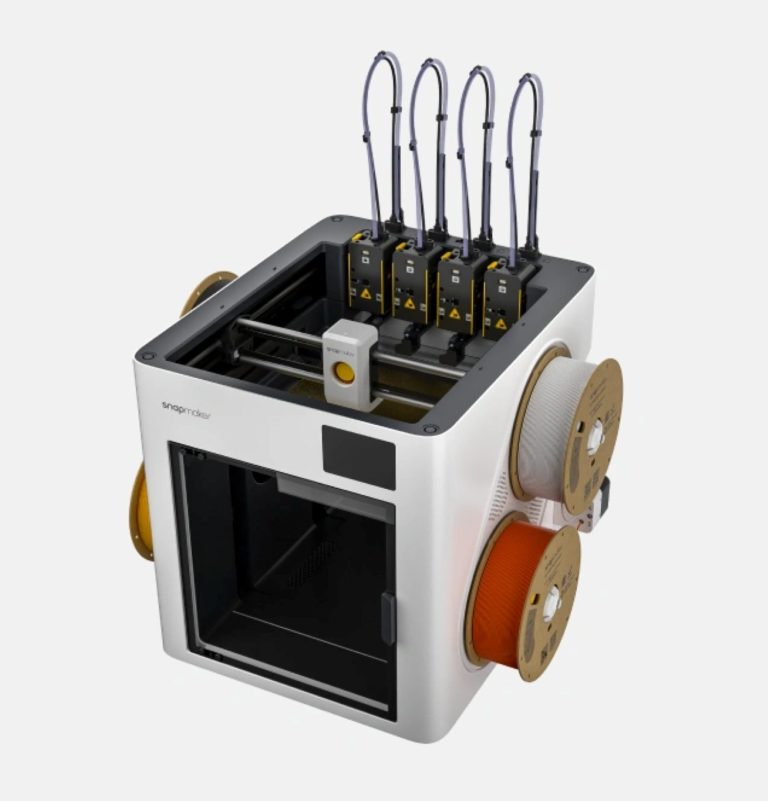
His unit had 2 problems: an early clog on the right hotend and an AMS that wouldn’t retract properly. Both went away when he swapped in known-good parts. He considers the X2D over the P2S a no-brainer, and the Snapmaker U1 the only real rival at this price.
Where they agree
- The price is the headline. All three expected it to cost more, and all three pick it over the P2S for most buyers.
- The second nozzle is for supports and second materials. It’s slower and less precise than the main nozzle, and that’s fine for support interfaces.
- Clean support removal is the payoff. PETG or carbon-fiber parts on PLA supports came off clean for all three.
- Dual nozzle beats AMS swapping on time and waste when you’re using 2 materials.
Where they differ
- Is the P2S still worth it? Nick says yes if support removal isn’t your main pain point, since it’s $100 less with the same speed and ecosystem. CNC Kitchen and Thomas Sanladerer both say the X2D makes the P2S hard to justify.
- Unit problems. CNC Kitchen and Thomas Sanladerer each hit an AMS 2 Pro problem, and Thomas also had an early hotend clog. Nick’s videos don’t report any hardware faults, but he warns against feeding TPU through the AMS 2 Pro.
- Air quality. Thomas Sanladerer found the exhaust filter fixed PLA irritation. CNC Kitchen found it helps but doesn’t fully stop ABS and ASA smell.
Bambu Lab X2D at a glance
- Build volume: 256 x 256 x 260 mm
- Max speed: 1,000 mm/s
- Nozzles: main direct-drive plus auxiliary Bowden, up to 300 °C
- Chamber: actively heated to about 65 °C, fully enclosed with exhaust filter
- Price: $649, or $899 with the AMS 2 Pro (US store, October 2026)
Printers mentioned in this review
Buy links may earn Planet 3DP a commission at no extra cost to you. How this works.
Sources: Planet 3DP, “X2D vs P2S: I Tested Both and the Numbers Don’t Lie” and “I Tested Every Engineering Filament on the Bambu X2D”; CNC Kitchen, “Bambu Lab X2D Review: Affordable Dual-Nozzle Printing, with a Catch”; Made with Layers (Thomas Sanladerer), “Bambu’s ruthless push for dominance: The X2D is just too good for its price”. Summaries are ours; quotes are credited to each creator.