
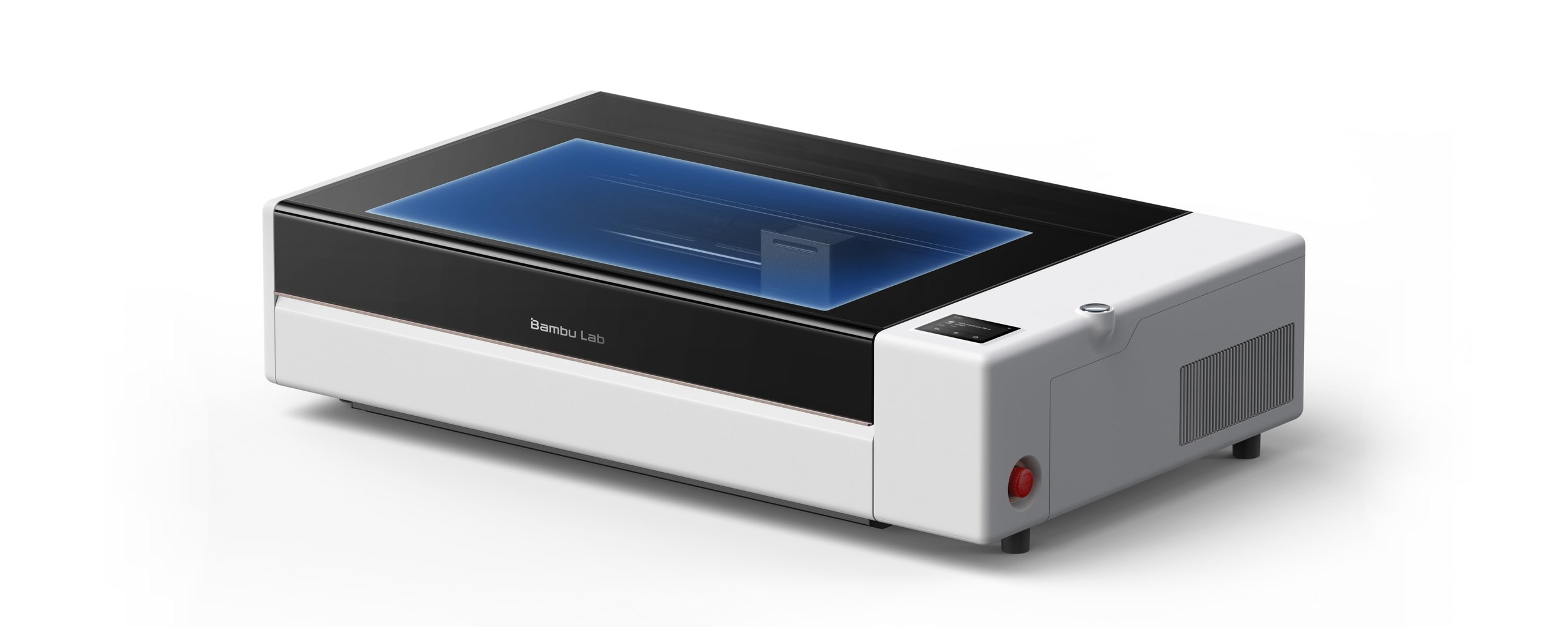
The Bambu Lab R1 is the company’s first standalone laser: a 55W CO2 machine at 2,499 dollars. Two outlets have now put one on a bench, and both found the same gap between the box and the spec sheet. Planet 3DP hasn’t run one yet, so this is what can be checked.
- Our pick of the facts
- A 55W CO2 laser that cuts clear acrylic, with calibration Bambu automated
- List price
- 2,499 dollars on Bambu’s own US store
- Availability
- Preorder, with an ETD of around 31 October 2026
- Work area
- 600 x 300 mm, or up to 3,000 mm long with the Conveyor
- The catch
- The 18 mm cut depth needs a lens that isn’t in the box
- Tested by us
- No. Findings below are credited to the outlet that made them
Price and availability from Bambu Lab’s US store, checked October 14, 2026.
Price and when you get it
Bambu lists the R1 at 2,499 dollars on its own US store, with free shipping in the 48 contiguous states, 30 day returns and a two year warranty. On the day we checked, it was a preorder showing an estimated ship date of around 31 October 2026.
There are three versions on the store page. The bundle prices don’t render on the page, so we aren’t going to put a number on them.
| Version | What it adds |
|---|---|
| R1 | The machine, with the short focus lens |
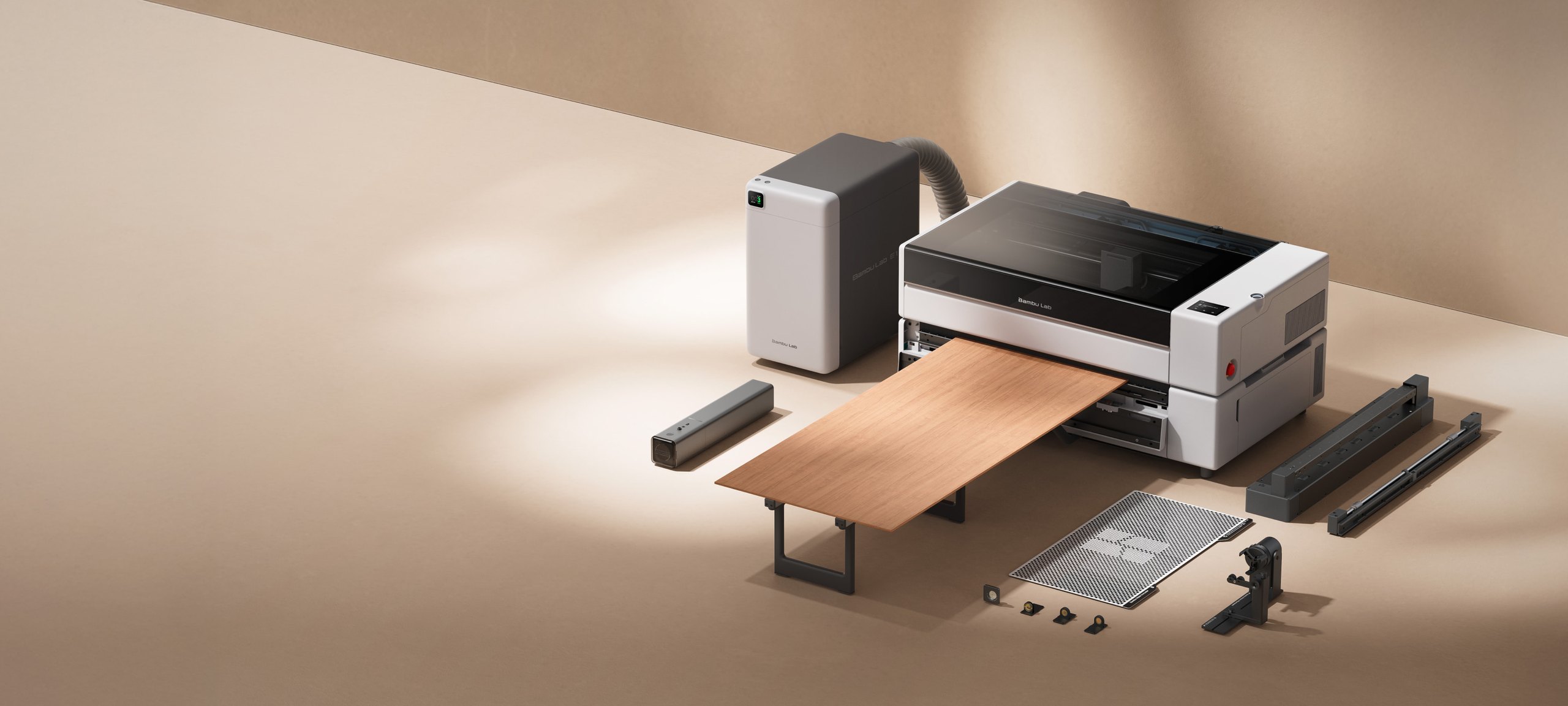
| R1 Long Material Bundle | Adds the Riser Base and the Automatic Conveyor Feeder |
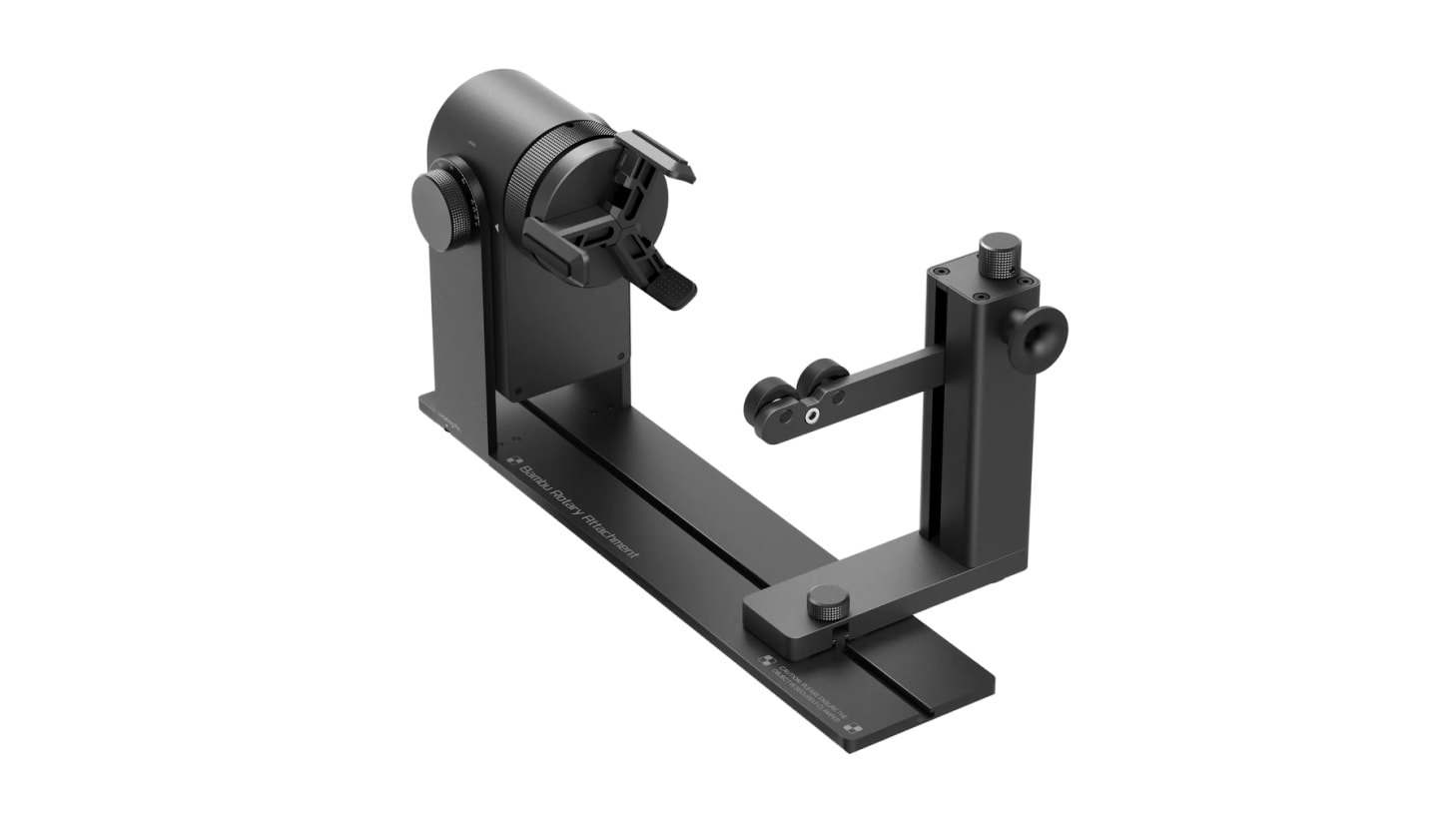
| R1 Long Material and Rotary Bundle | Adds the Rotary Attachment and its bracket |
Worth noting on dates: Tom’s Hardware lists a release date of 22 September 2026 while Bambu’s own store was showing a preorder when we looked. Both are reported here as what each one says.
What Bambu says it does
These are Bambu’s published figures, off the product page.
| Spec | Bambu’s figure |
|---|---|
| Laser | 55W CO2, glass tube, liquid cooled |
| Work area | 600 x 300 mm, or up to 3,000 mm long stock with the Conveyor |
| Top engraving speed | 1,000 mm/s, with 20,000 mm/s2 acceleration |
| Cut in one pass | Up to 18 mm walnut and 20 mm acrylic |
| Positioning | TriSense, accurate to within 0.2 mm |
| With the Vision Encoder | Absolute motion accuracy within 0.1 mm across the bed |
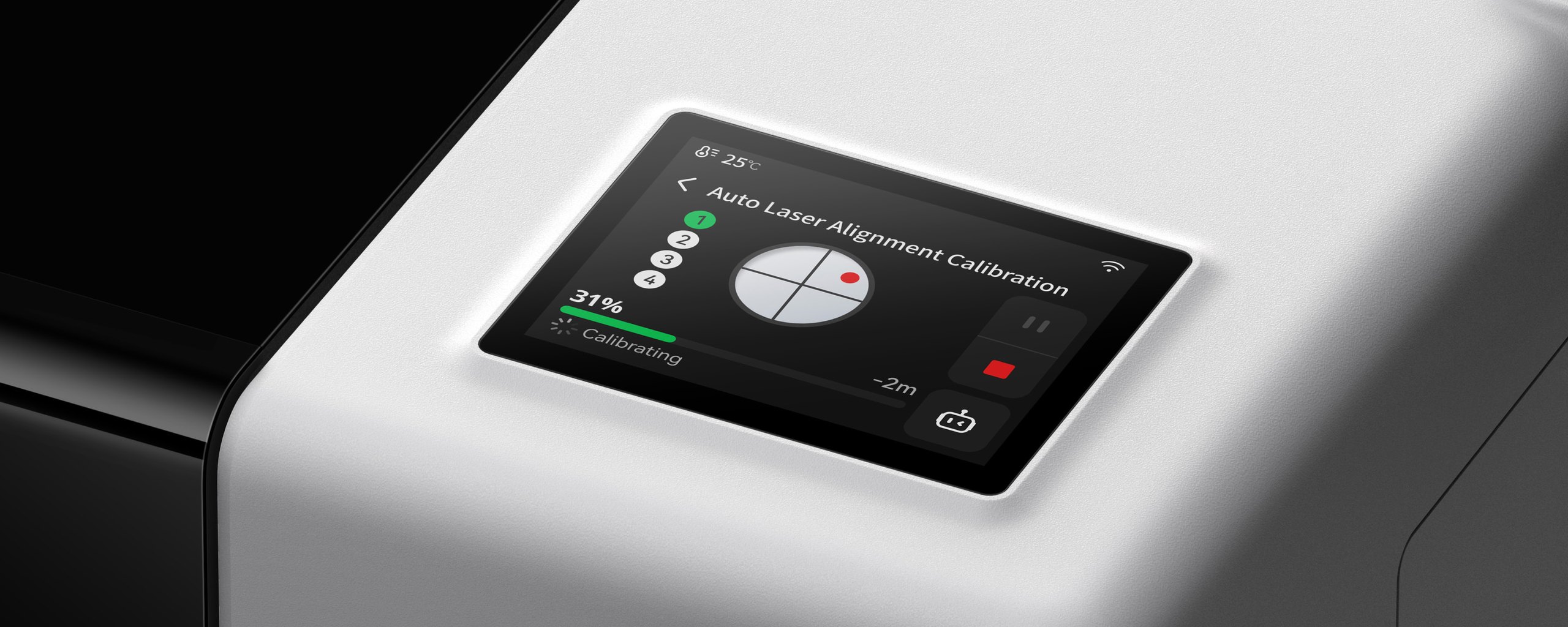
| Calibration | Auto laser alignment, about a minute, no test shots |
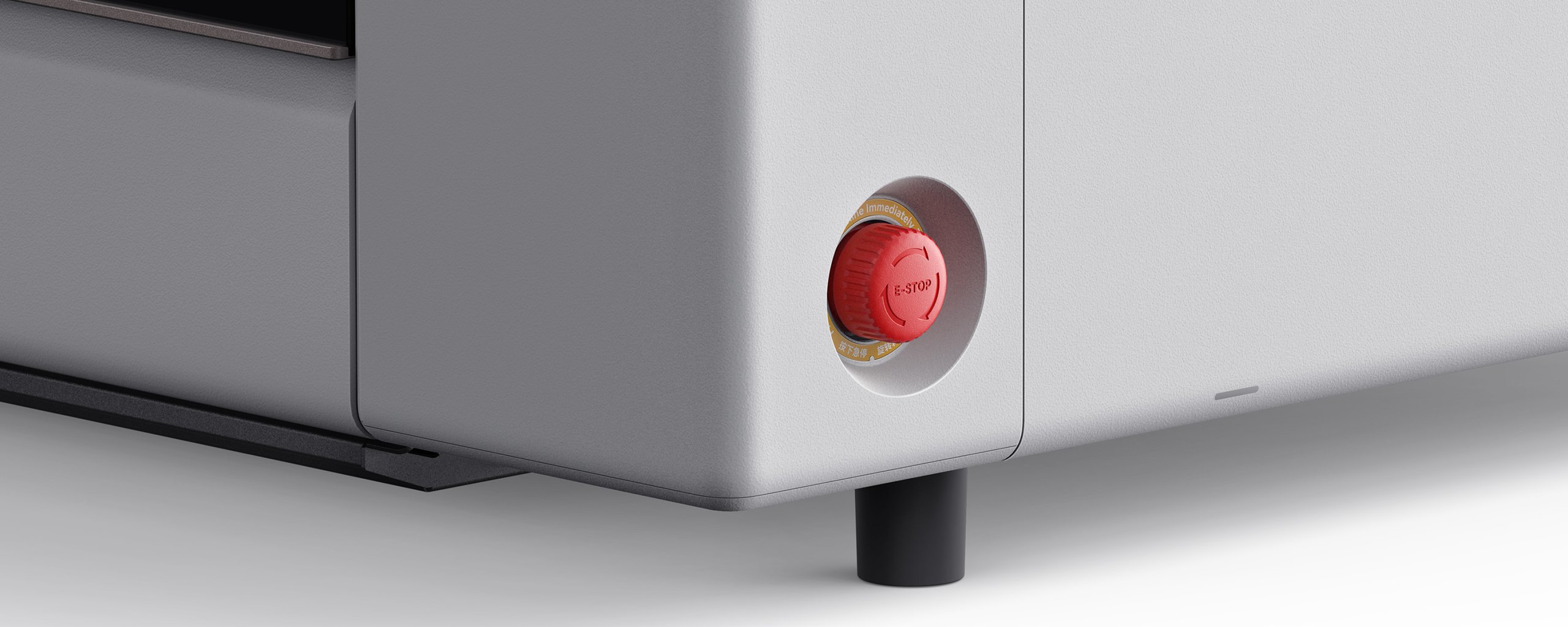
| Safety | Class 1 enclosed, with lid stop, flame detection and emergency stop |
| Ventilation | Crossflow, air in one side and smoke out the other |
| Software | Bambu Suite, over WiFi or USB |
The interesting one on that list is the work area. A CO2 laser cuts clear acrylic, which a blue diode laser cannot, and 600 x 300 mm is a big enough bed to make furniture parts out of sheet goods.
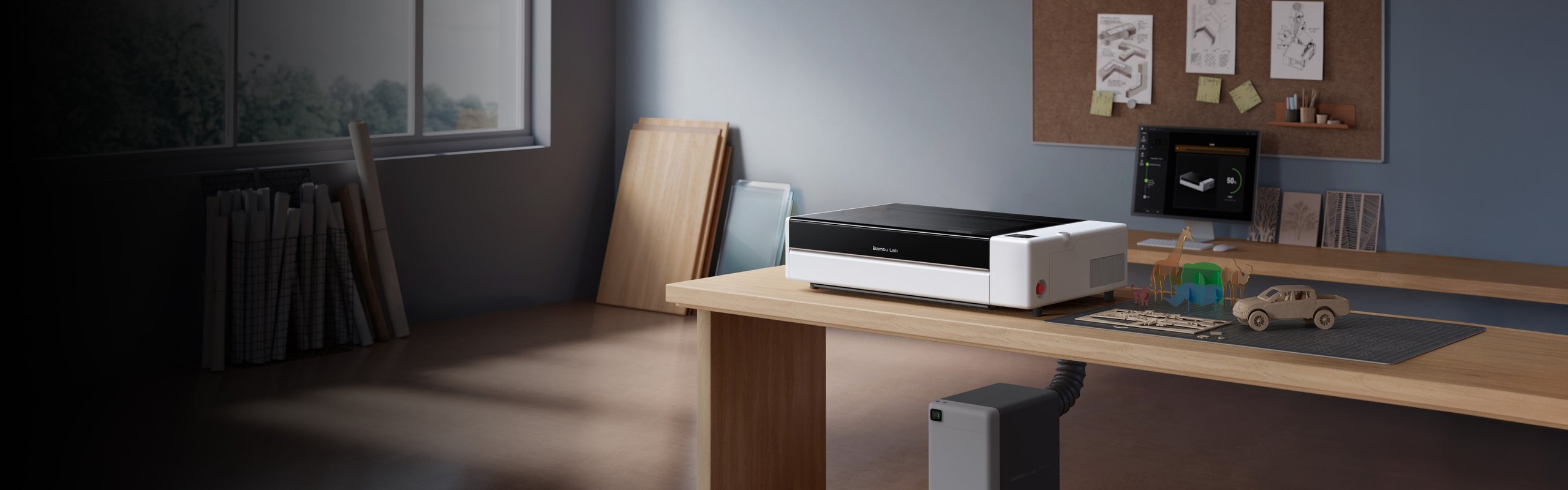
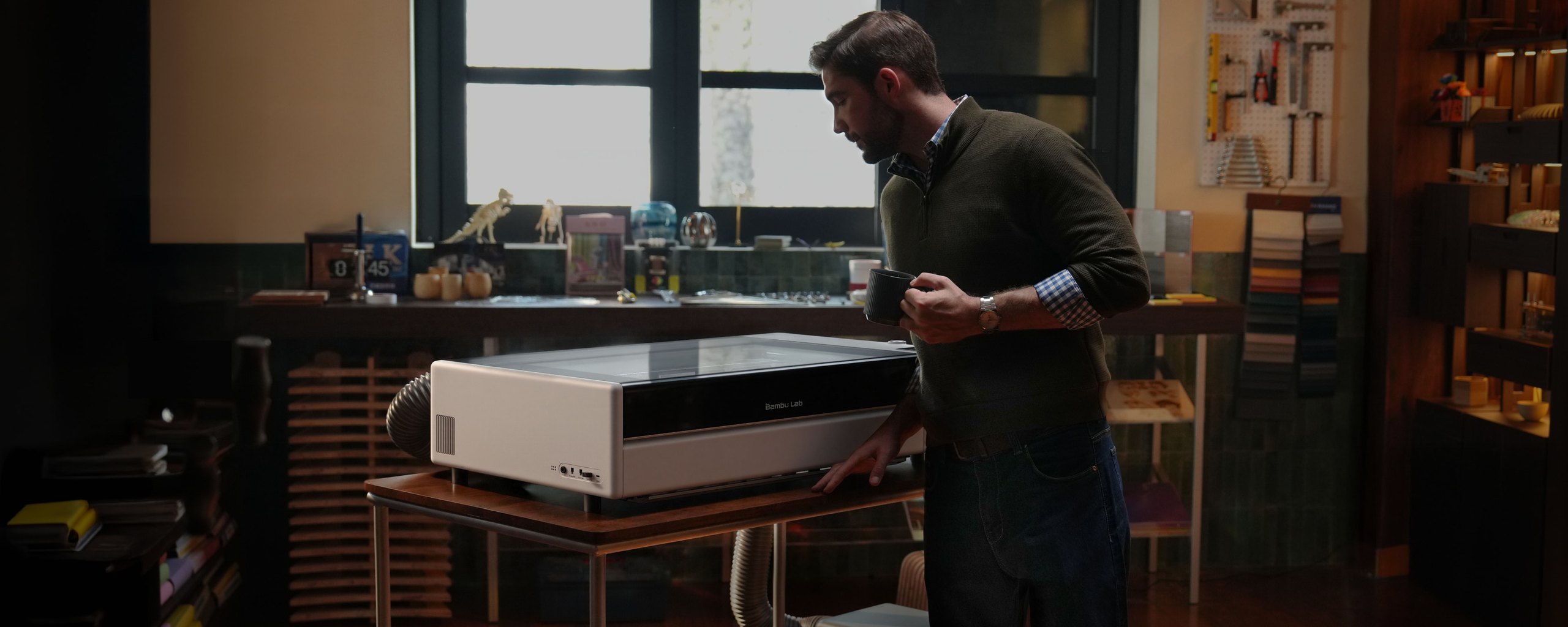
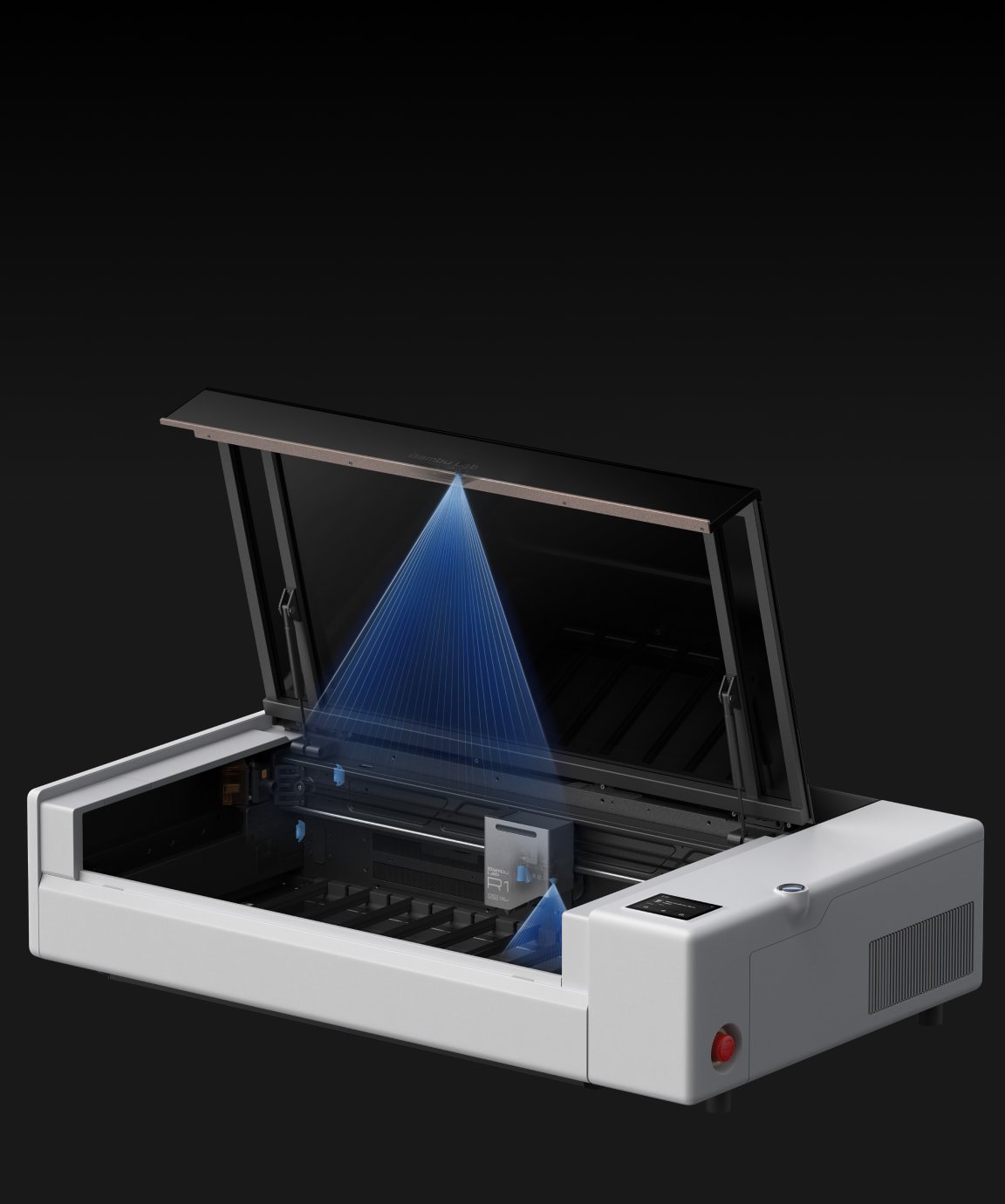
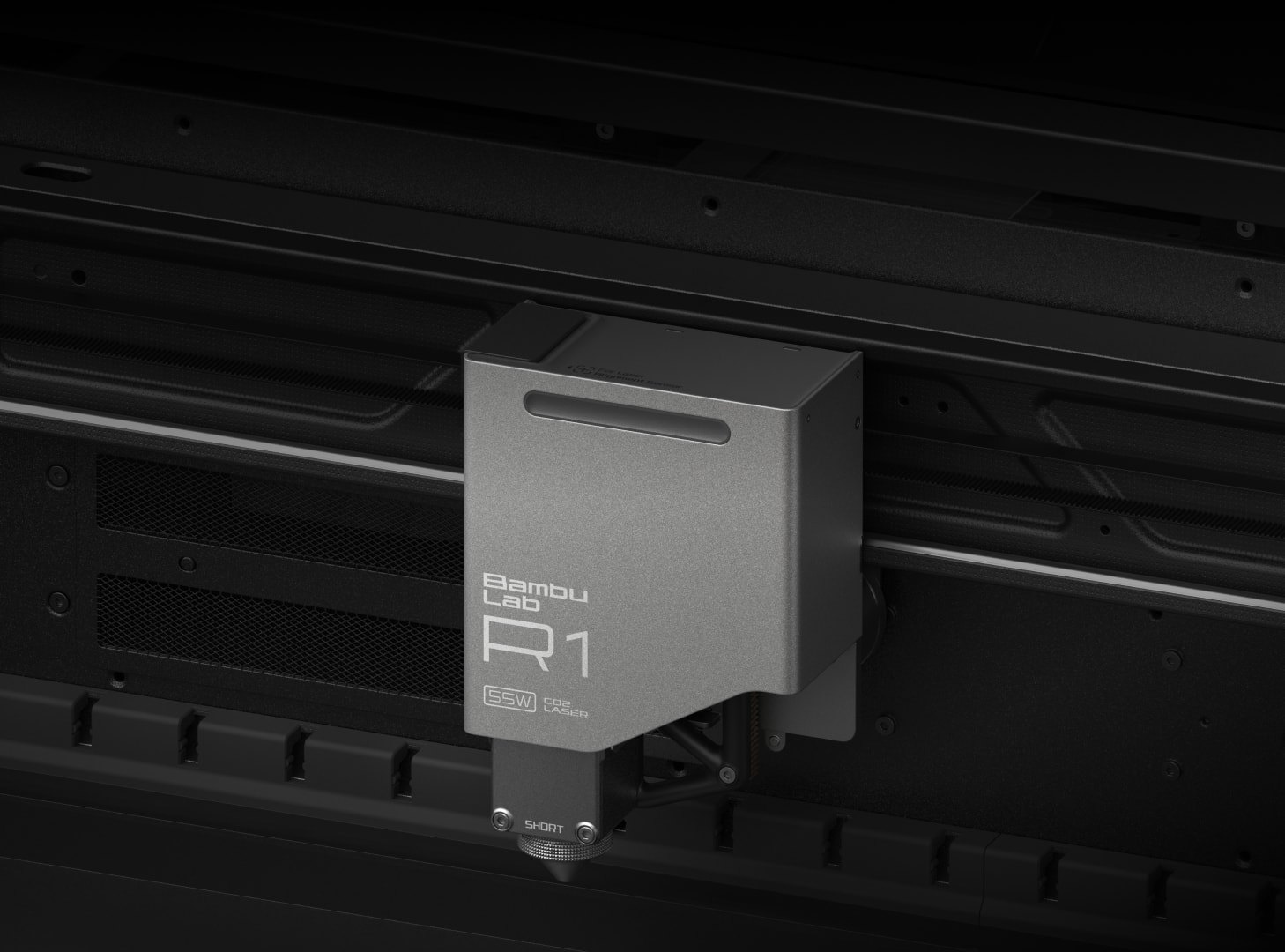
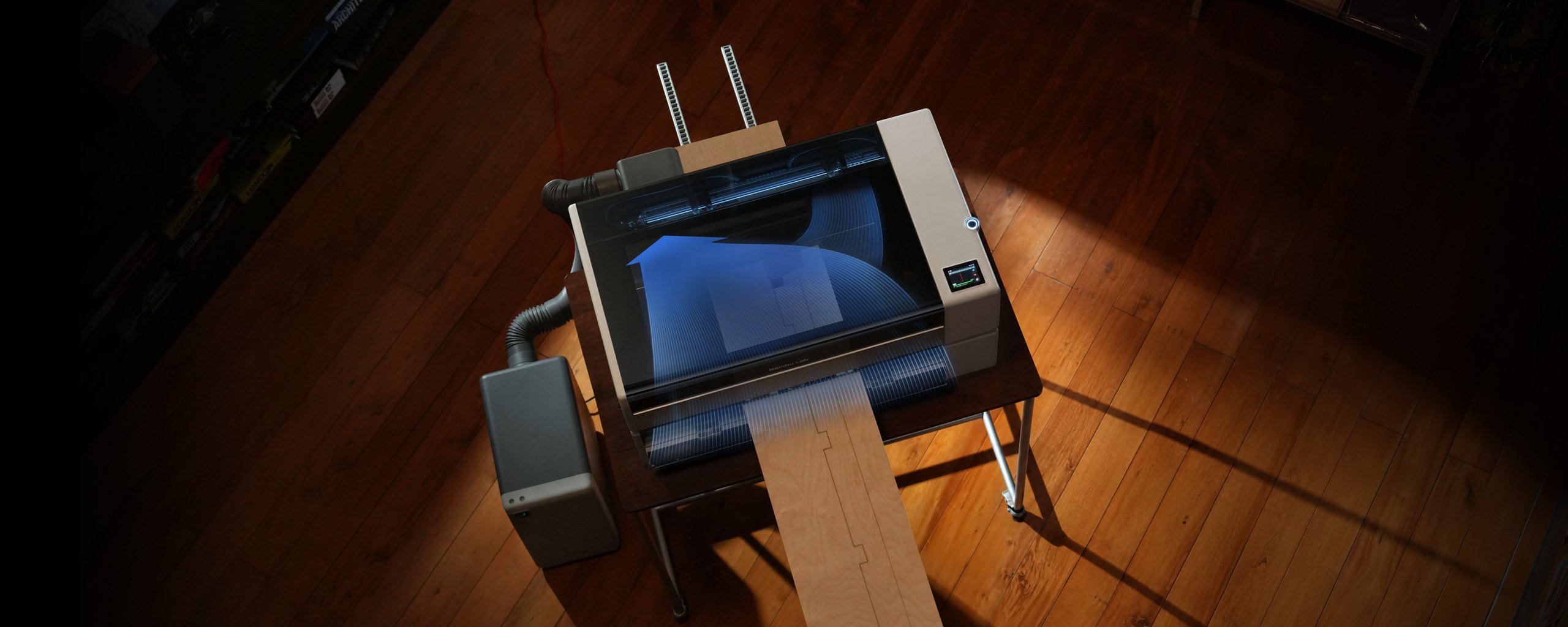
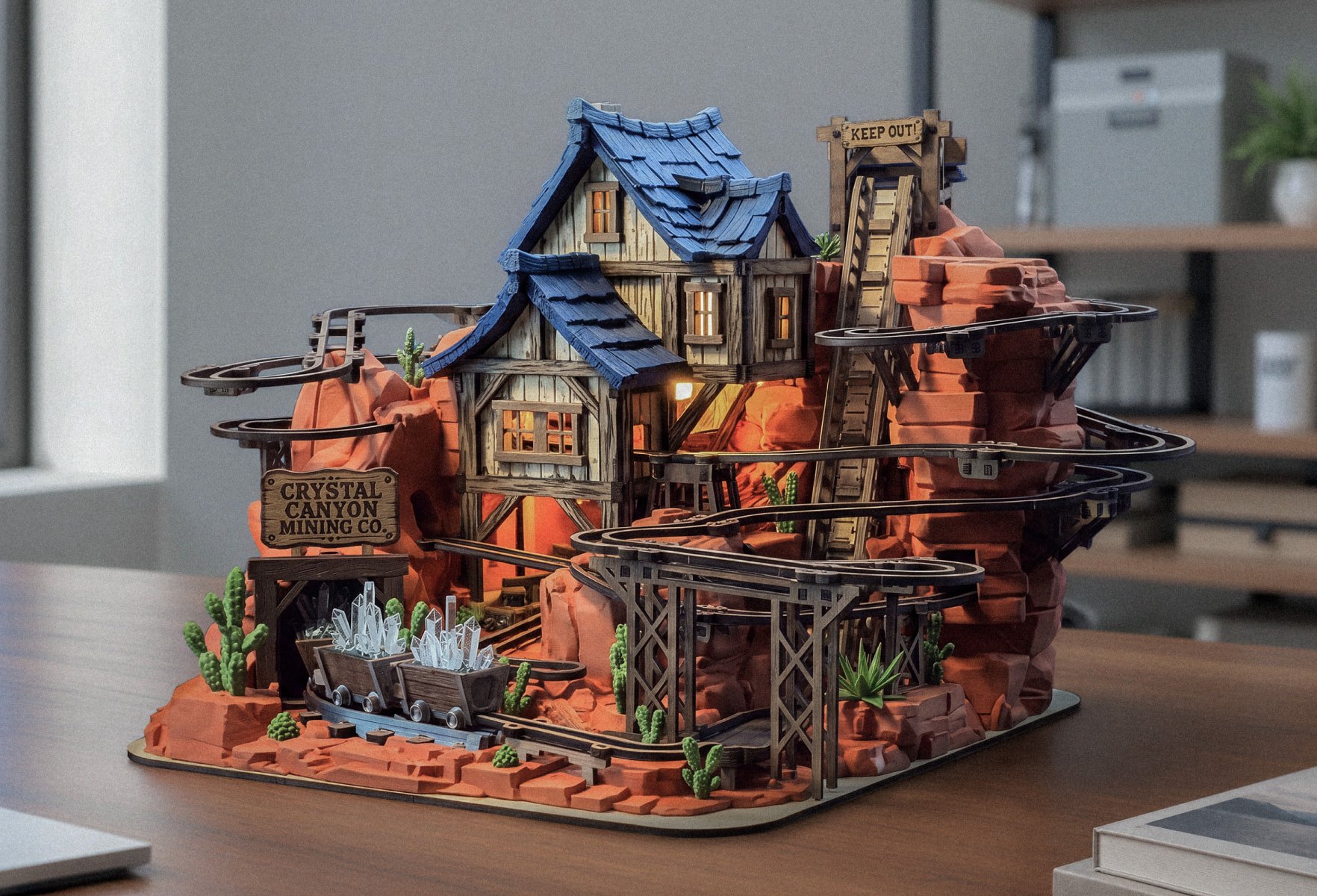
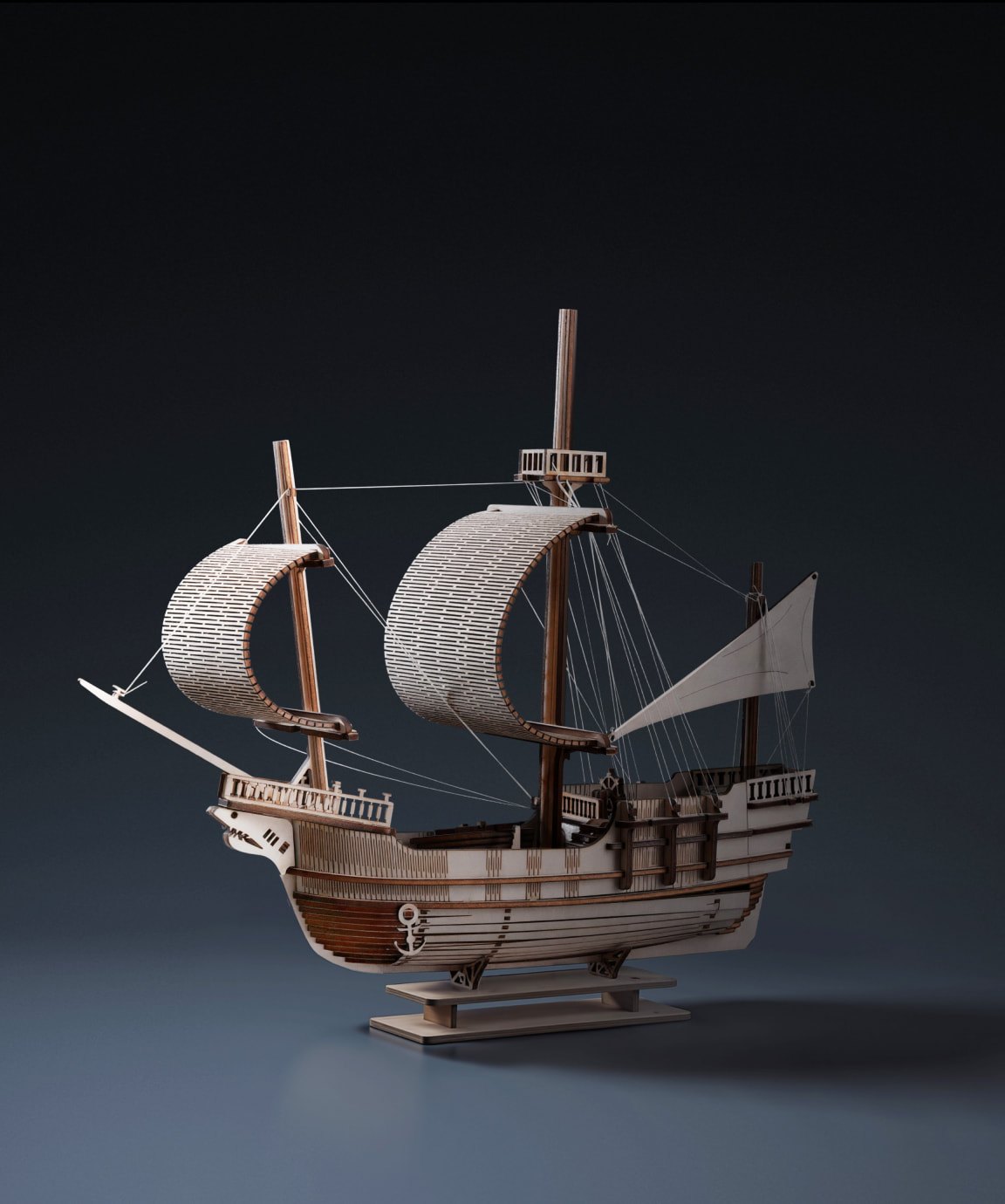
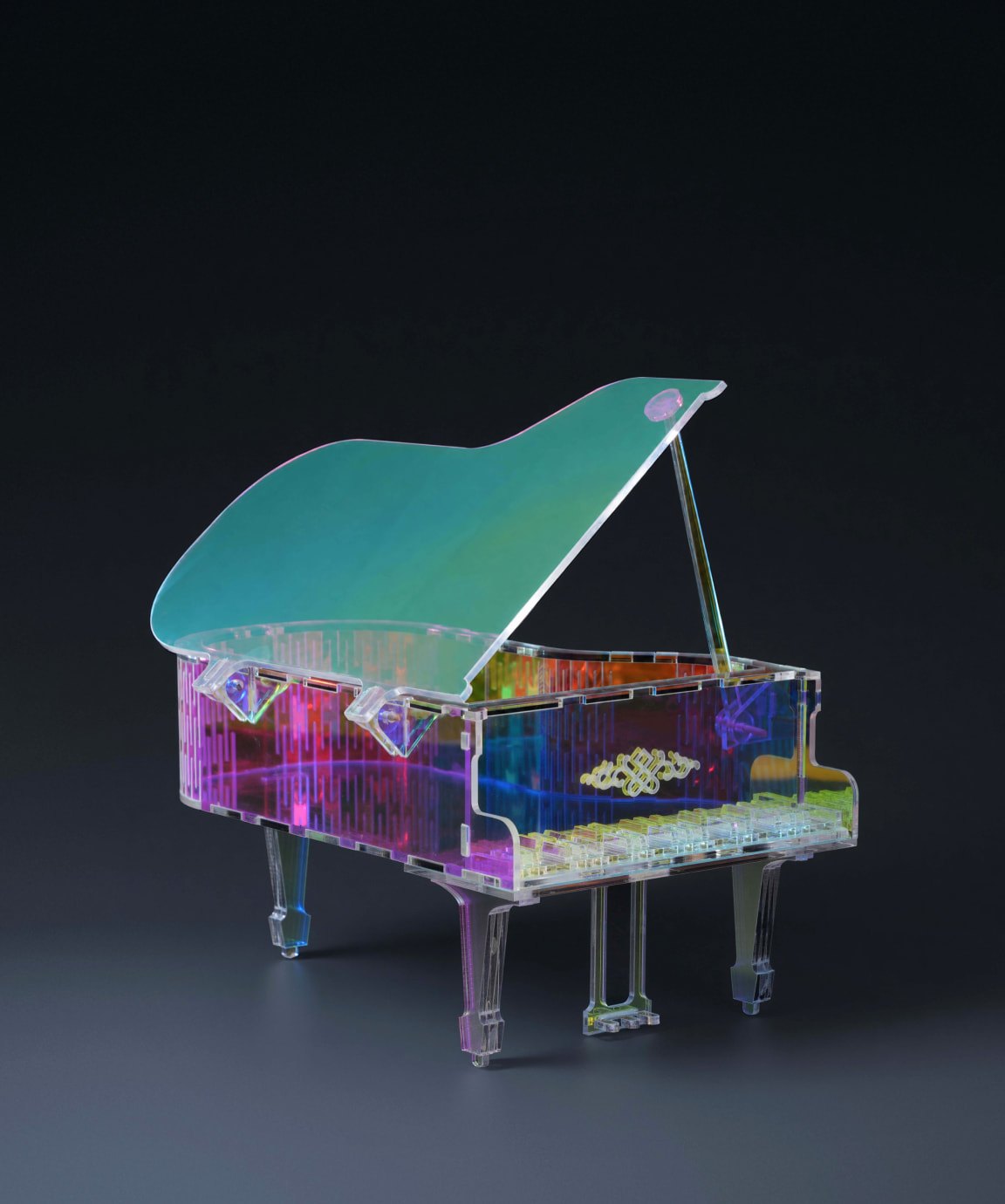
Bambu Lab R1 photos
These are Bambu Lab’s own images from its R1 page, including the sample projects it shows. We haven’t run an R1 ourselves, so none of them are our photos. Tap one to open it full size.

What the reviewers actually found
Two outlets have published hands on reviews. Here is what each one reported, credited to them.
Tom’s Hardware
Denise Bertacchi ran a set of real jobs and published the settings, which makes this the most useful of the two if you want to know what the machine does.
A 3 mm basswood butterfly cut perfectly at 75 percent power and 30 mm/s, and the interior cuts dropped out with no weeding. Sticker paper cut cleanly on the preset for 200 g kraft paper at 45 percent and 250 mm/s, repeatable page after page with a jig. Clear 3 mm acrylic ran at 80 percent and 10 mm/s on Bambu’s own preset. Glass engraved at 30 percent and 250 mm/s, with no masking. Coated aluminium ran at 70 percent and 400 mm/s.
She also found the limits. There was no material preset for anything thicker than 3 mm, so a 19.5 mm pine board took the long focus lens at 80 percent and 10 mm/s with four passes, and the short focus lens never punched through at all. She rated the positioning system highly: it worked out of the box with no camera calibration.
Her two complaints were the lens swap and the noise. Changing the lens means two 1.5 mm screws plus four more and then a five minute vision calibration, and she wrote that it is “not a process I’d want to have to do frequently”. The machine is also the loudest laser she has reviewed, with cooling fans that never stop. Her verdict was positive: good hardware with better software, and a bargain next to the competition at this price.
The Escapist
Paul McNally used his for a flight simulator cockpit build, which is a better test of accuracy than a coaster. He published different numbers for the machine itself: 940 x 560 x 200 mm and 33.5 kg, with a 0.11 mm spot on the supplied short focus lens.
He confirmed Bambu’s claim about calibration, saying the one minute alignment was generally accurate in his use. His criticism was the software: Bambu Suite’s material presets aren’t as comprehensive as he would like, and it doesn’t work with LightBurn, which Bambu has no plans to change.
His other warning is about the bill. The starting price looks competitive, and then the Riser Base, Conveyor, Rotary, Vision Encoder, lenses, purifier and fire extinguisher are each extra.
The cut depth needs a lens that isn’t in the box
This is the one thing to take away before you buy. Bambu’s feature list says the 55W CO2 laser cuts up to 18 mm walnut and 20 mm acrylic in a single pass. Both reviewers found that the deeper cuts need an optional lens.
Tom’s Hardware says the thicker wood requires the optional medium or long focus lenses. The Escapist is more specific: 15 mm black walnut plywood with the supplied short focus lens, and 18 mm with the optional ones.
Bambu doesn’t publish a cut depth for the supplied lens at all, which is why two people had to measure it. If 18 mm is the reason you want this machine, budget for a lens and for the five minute calibration every time you swap it.
Also worth budgeting for: the R1 is Class 1 on its own, and Bambu’s own footnote says that with the riser base or the auto feed accessory the enclosure is no longer complete and the machine becomes a Class 4 device needing CO2 laser safety eyewear. Those glasses aren’t supplied. Tom’s Hardware could see no leakage through the riser base alone, but called it unavoidable with the conveyor.
Want our verdict on this one?We will rewrite this page as a first hand review if we get an R1 on the bench. The guides index has everything published so far.
Browse the guidesWhich Bambu Lab machines can laser engrave?
If you already own an H2 series printer, you may not need the R1 at all. Bambu sells a laser module for those machines, and the difference between the two is not just power.
| R1 | 40W laser module | 10W laser module | |
|---|---|---|---|
| What it is | A standalone CO2 laser | A module for a printer | A module for a printer |
| Price | 2,499 dollars | From 299 dollars | From 299 dollars |
| Fits | Nothing, it is its own machine | H2D, H2C, H2S | H2D, H2C, H2S |
| Laser | 55W CO2 | 40W at 455 nm | 10W at 455 nm |
| Clear acrylic | Cuts it | No, blue diodes pass through it | No |
| Black acrylic | Cuts it | Up to 15 mm | Up to 3 mm |
| Basswood plywood | Up to 18 mm with the optional lens | Up to 15 mm | Up to 6 mm |
| Work area | 600 x 300 mm | 310 x 250 mm | 310 x 270 mm |
| Top speed | 1,000 mm/s | 1,000 mm/s | 400 mm/s |
The line that decides it is clear acrylic. A blue diode laser passes straight through clear material, so the module can’t cut it. The CO2 laser in the R1 can. If you make layered acrylic lamps, light panels or anything with a clear bezel, that’s the whole argument.
If you only need black acrylic and wood on a smaller bed, the module on an H2C or an H2D does it for a tenth of the money.
Weighing it against something else?The directory holds specs and prices for 359 machines, and you can put any two of them side by side.
Compare machinesWhat’s still unknown
A roundup should say what it doesn’t know. These are the gaps as of today.
| Open question | Status |
|---|---|
| Bundle prices | Not rendered on Bambu’s store page, so we give no figure |
| Accessory prices | The Riser Base, Conveyor, Rotary, Vision Encoder, lenses, E1 Pro and fire extinguisher are all separate and we haven’t priced them here |
| Long term reliability | The machine is weeks old. Nobody has a year on one |
| Planet 3DP’s own verdict | We haven’t run one. This page says so until we do |
Common questions
How much is the Bambu Lab R1?
Bambu lists it at 2,499 dollars on its own US store, checked on 14 October 2026, with free shipping in the 48 contiguous states, 30 day returns and a two year warranty. Two bundles add the Riser Base, Conveyor and Rotary Attachment, and their prices do not render on the store page.
Has Planet 3DP tested the Bambu Lab R1?
No. This page is a roundup of Bambu’s own published specs and the findings of two outlets that have used one, Tom’s Hardware and The Escapist. Every finding is credited to whoever made it. If we get a unit, this page becomes a first hand review.
Can the Bambu Lab R1 really cut 18 mm wood?
Bambu’s feature list says up to 18 mm walnut and 20 mm acrylic in a single pass, and both published reviews found the deeper cuts need an optional focus lens. The Escapist reports 15 mm black walnut plywood with the supplied short focus lens and 18 mm with the optional medium or long lenses. Tom’s Hardware reports the same requirement.
Is the Bambu Lab R1 safe without laser glasses?
In its standard enclosed form Bambu rates it Class 1, so the beam stays inside and no eyewear is needed. Bambu’s own footnote says that with the riser base or the auto feed accessory the enclosure is no longer complete and the machine becomes a Class 4 device requiring CO2 laser safety eyewear, which is not supplied.
Can the R1 cut clear acrylic?
Yes. It is a CO2 laser, and Bambu’s own feature list names clear acrylic. This is the main difference from the 10W and 40W laser modules for the H2 series printers, which use a 455 nm blue diode that passes through clear material instead of cutting it.
Does the R1 work with LightBurn?
No. It runs Bambu Suite, and The Escapist reports there is no LightBurn support.
Watch Planet 3DP on YouTubeNew printers, slicer updates and hands on tests every week.
Subscribe- Bambu Lab R1 product page: price, estimated ship date, feature list and safety footnotes (checked October 14, 2026)
- Bambu Lab laser module product page: wattage, wavelength, cutting thickness and work area (checked October 14, 2026)
- Tom's Hardware, Bambu Lab R1 review by Denise Bertacchi: test settings, lens swap, noise and verdict (checked October 14, 2026)
- The Escapist, Bambu Lab R1 review by Paul McNally, 24 September 2026: machine size and weight, spot size, cut depth with the supplied lens, software (checked October 14, 2026)

Host of Planet 3DP. I have been 3D printing for over four years, with tens of thousands of print hours on Bambu Lab, Anycubic, Creality, Elegoo and Snapmaker machines. I have not run the R1, and this page credits everyone whose results it reports. Planet 3DP on YouTube.
Last checked October 14, 2026.