
How Nick uses the A1 mini
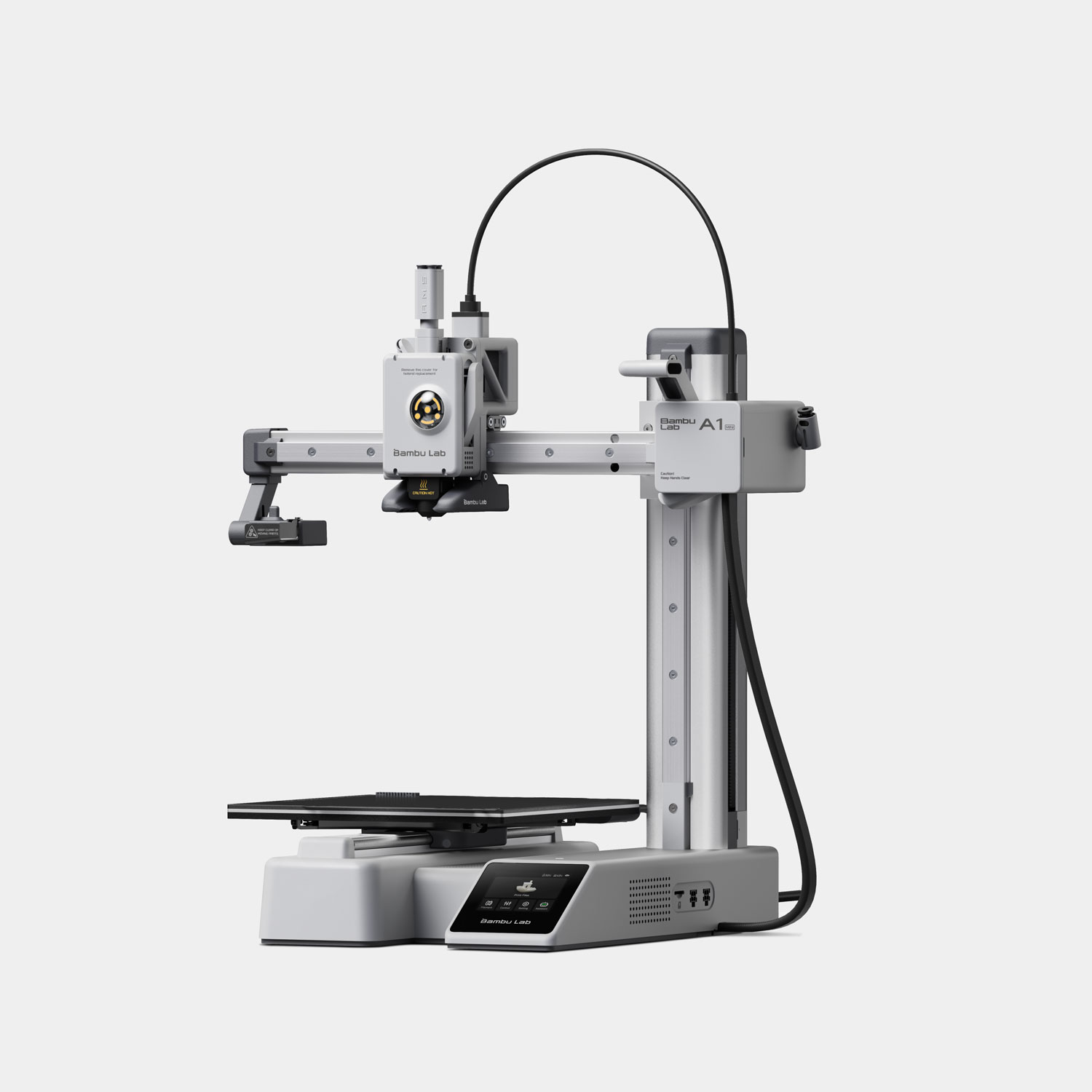
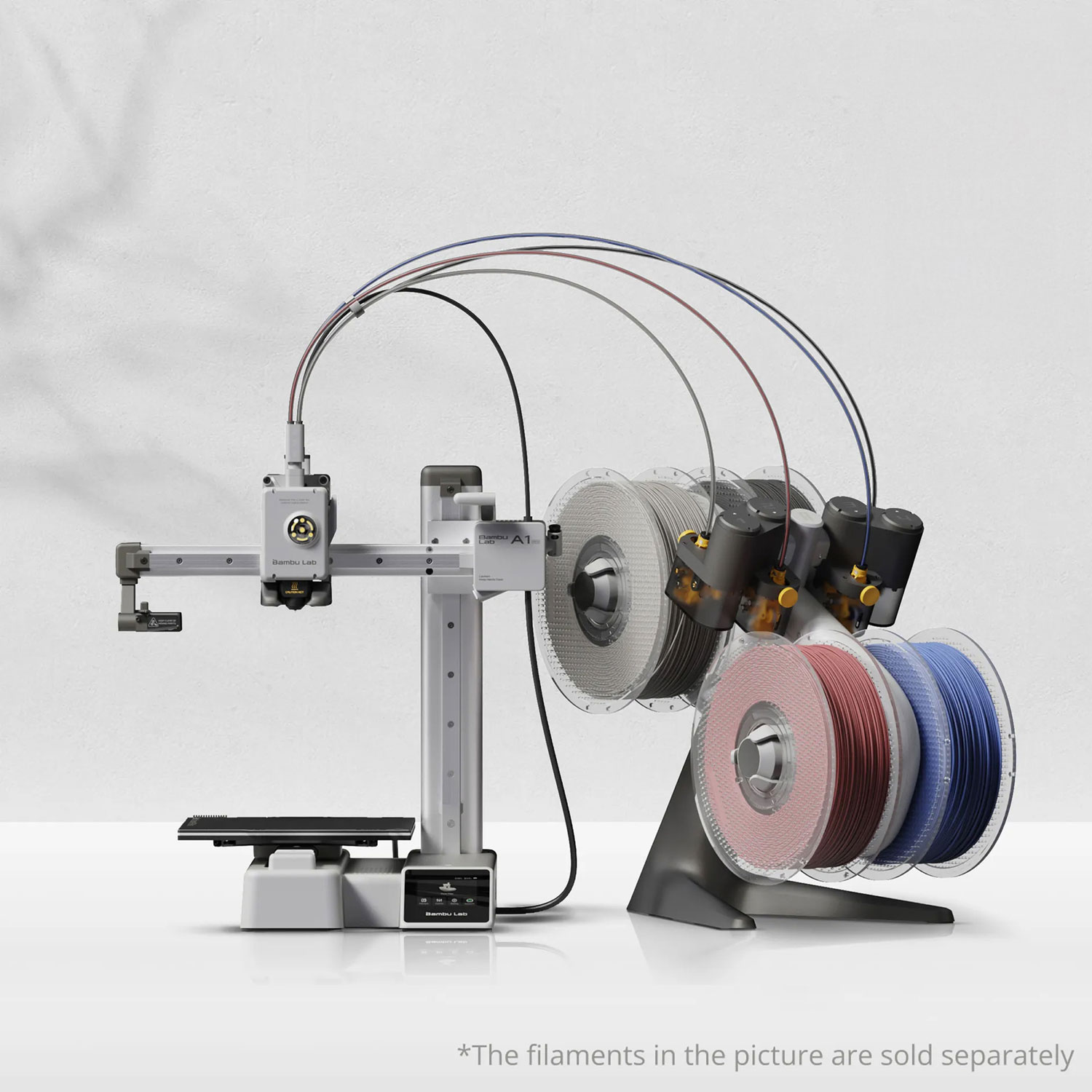
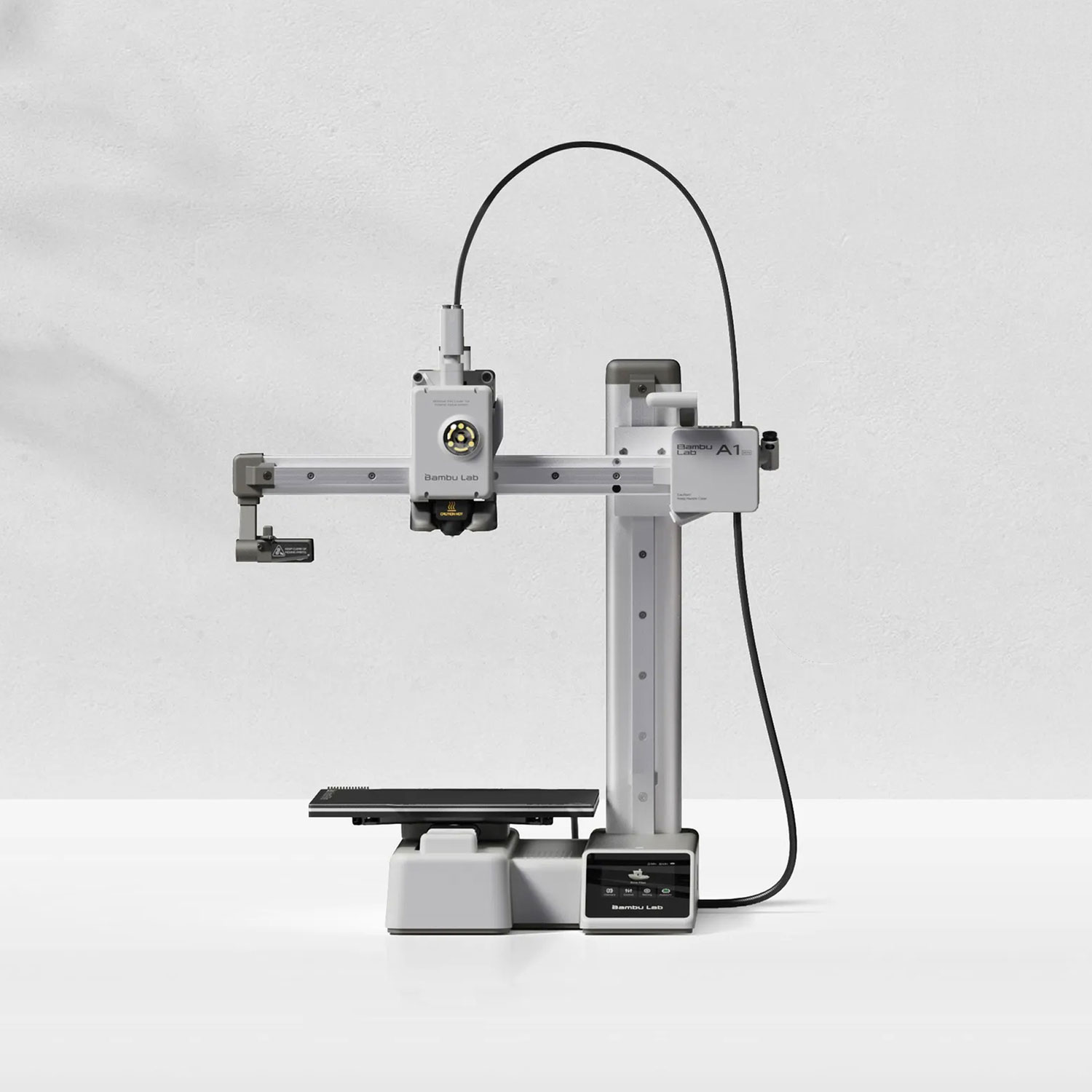
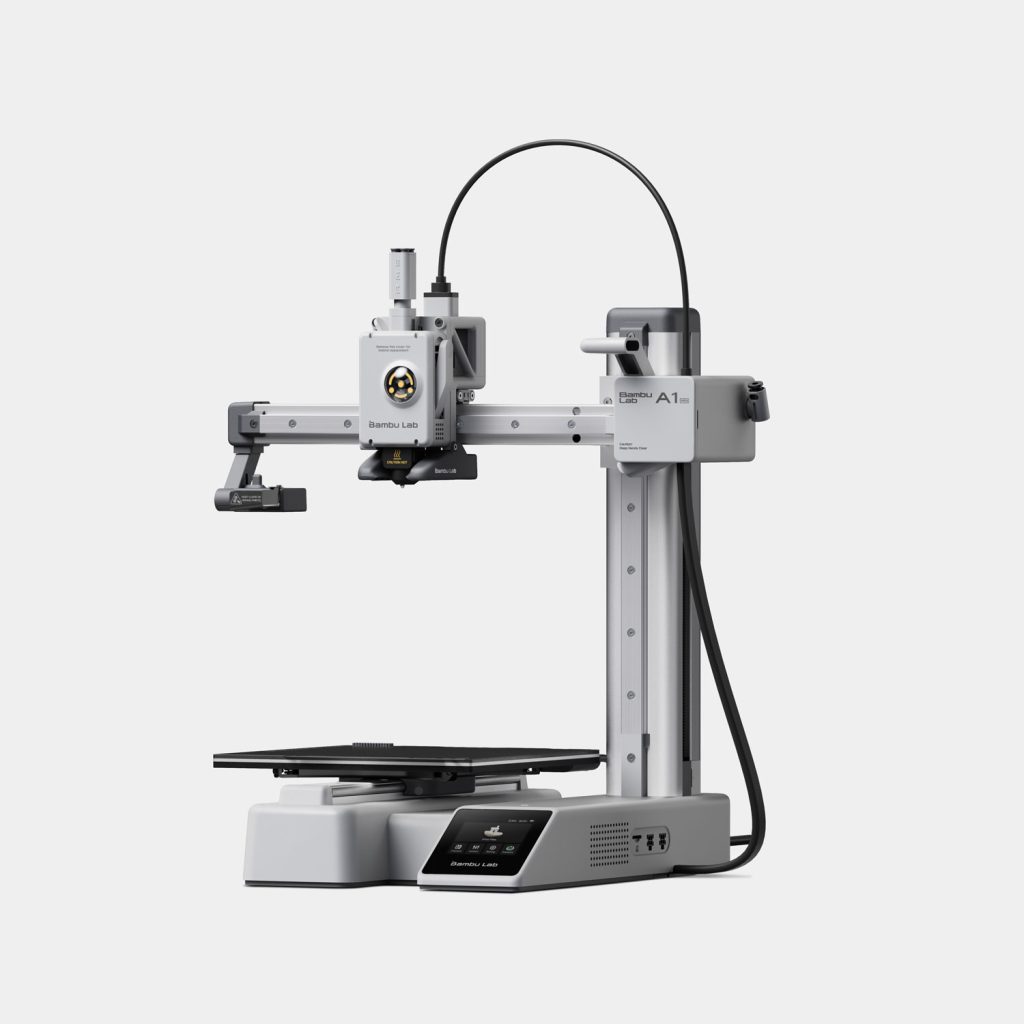
Planet 3DP’s Nick Nicholls bought an A1 mini Combo alongside a full size A1 Combo (watch at 0:11), and in August 2026 he said he’s still printing on his first A1 mini (watch at 28:30). Even with its small footprint he mounts its AMS lite overhead, because his printers sit a few feet from his office desk (watch at 0:36).
What went wrong, and what held up
His first overhead mount caused a real fault. The way it angled the AMS lite put strain on the slot 4 PTFE tube, and after about a week the tube pulled down hard enough to jam the connector inside the AMS. He pushed the clip back down with pliers and switched to a vertical stand mount that avoids the problem (watch at 2:02).
Watching prints at night was the other weak spot. He says lighting has been a battle with the A1 mini, and he added a separate low light camera to check on overnight prints (watch at 7:09).
The machine itself has held up. In his maintenance guide he says he has run thousands of hours on his mini’s extruder gear and it’s still going strong (watch at 2:17), and that he has never had belt problems on his A1 or A1 mini (watch at 11:14). That guide was sponsored by JLC3DP, an online printing service, not by Bambu Lab.
What Bambu Lab specifies
Bambu Lab’s spec page gives a 180 by 180 by 180 mm build volume, a top toolhead speed of 500 mm/s and a 300°C hot end with a stainless steel nozzle, the same figures as the table above. Like the A1 it’s open, and Bambu lists ABS, ASA, PC, PA, PET and carbon or glass fibre filled filament as not recommended. PLA, PETG, TPU and PVA are its ideal materials.
Who it suits
Pick the mini if you’re short on space and print smaller parts, or want a second machine next to a bigger one, which is how Nick runs his. The 180 mm cube is the limit to weigh, because anything larger has to be split or printed on a full size A1. If you plan a lot of multicolour printing, he suggests a large purge bucket rather than a compact one, since the small ones fill up quickly (watch at 5:07).