

Updated October 27, 2026. Bambu Lab’s Black Friday sale runs from October 27 to December 1, 2026. Its sale page, checked October 26, lists the A1 mini at 199 dollars and the A1 Combo at 359. The Anycubic Kobra X is 279 dollars at Anycubic’s US store, 399 before the markdown, checked October 26. The other prices on this page are the prices we checked earlier in October.
Some links on this page are affiliate links. If you buy through one, Planet 3DP earns a small commission at no extra cost to you. It never changes what we recommend. How this works. As an Amazon Associate I earn from qualifying purchases.
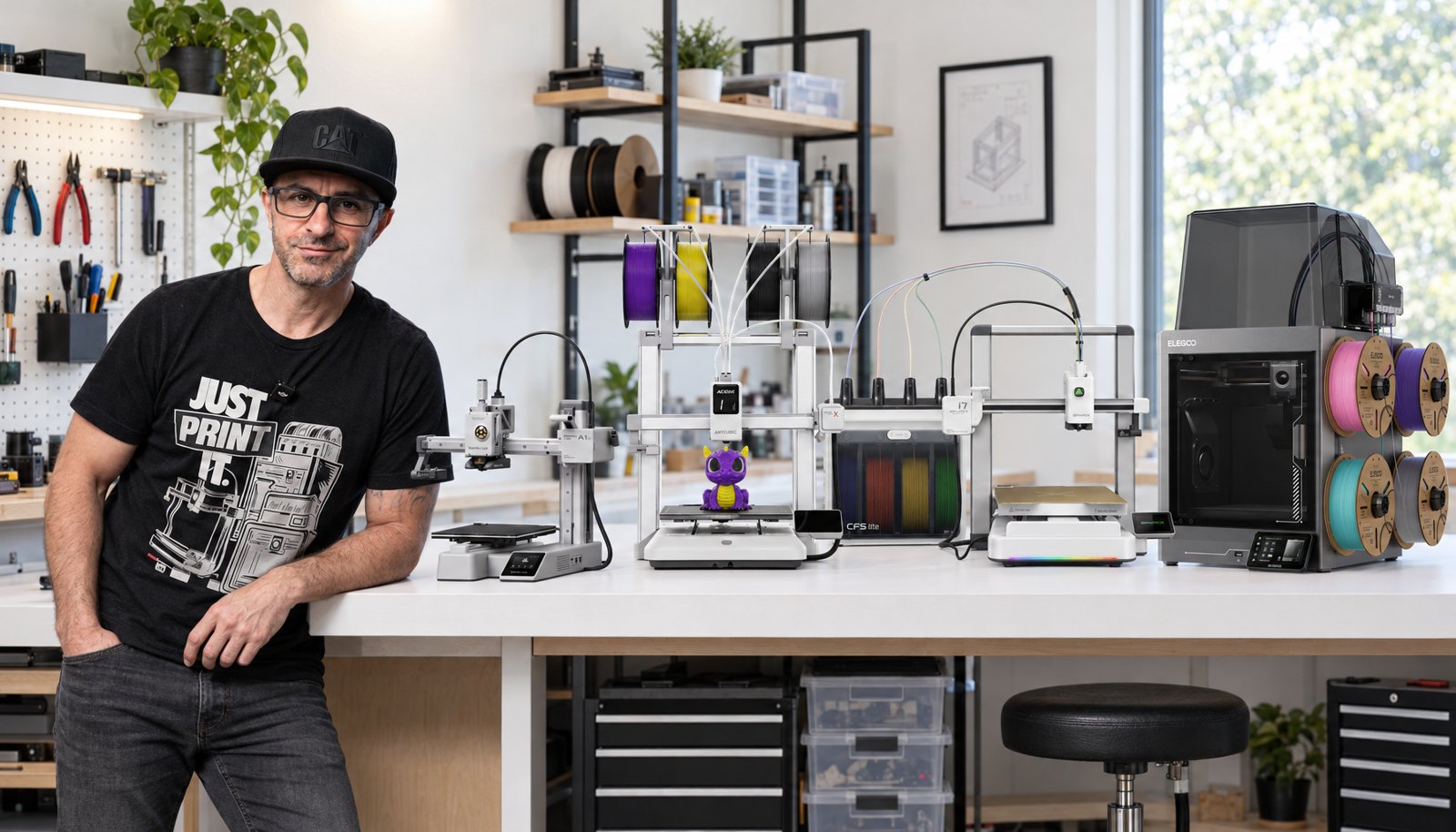
The cheapest 3D printer worth owning right now costs 219 dollars. That’s a Bambu Lab A1 mini, and it is a real printer rather than a toy. Below that number you’re buying somebody’s abandoned Kickstarter. Above it, each step up buys one specific thing, and this page says what. Four of the five machines here are ones Nick has run himself.
- The bottom line
- The cheapest printer worth buying is the Bambu Lab A1 mini at 219 dollars. The cheapest one that prints in colour is the Anycubic Kobra X at 299.
- Cheapest overall
- Bambu Lab A1 mini, 219 dollars.
- Cheapest in colour
- Anycubic Kobra X, 299 dollars, with four colours built into the print head.
- Cheapest with a steel nozzle
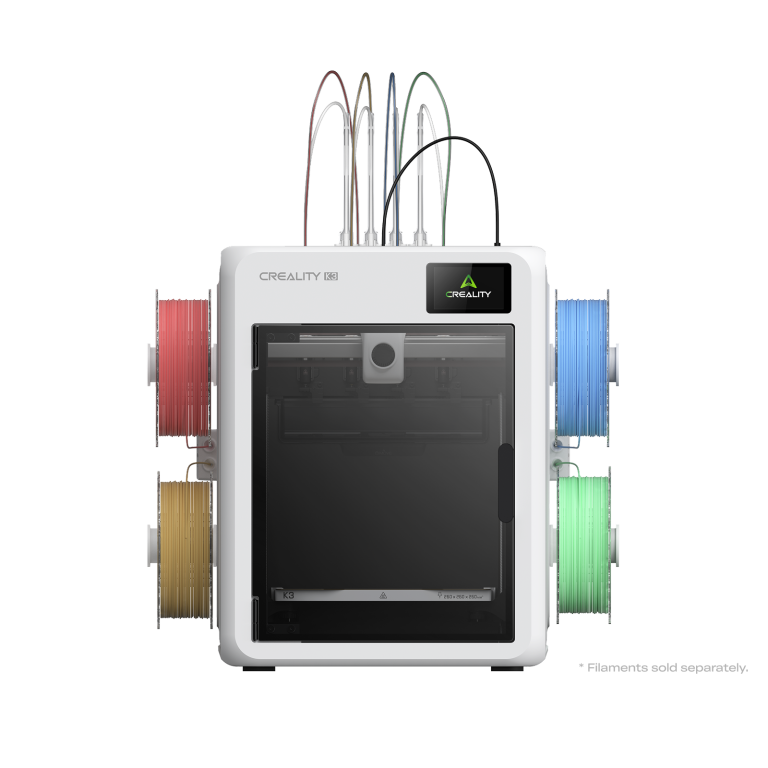
- Creality SparkX i7 Autofill, 229 dollars.
- Best cheap all rounder
- Bambu Lab A1, 299 dollars, or 399 with the AMS.
- Budget on top of the printer
- 60 to 100 dollars of filament and about 20 dollars of basic tools.
Bambu Lab prices read off its own store on October 15, 2026. Creality, Anycubic and Elegoo prices read off theirs on October 14, 2026. Every figure names its version.
Read the version, not the headline
The cheap end of this market is where prices mislead, because one printer is sold as three or four different things at three or four different numbers.
A Creality SparkX i7 is 229, 279 or 349 dollars depending on which multicolour setup comes with it. An Anycubic Kobra X is 299 or 344 depending on which plug is in the box. A Bambu Lab A1 is 299 on its own and 399 as the Combo, which is the version that ships with the AMS multicolour unit.
Worse, on Bambu’s own product pages the big figure at the top is whichever version is preselected, not the cheapest one. So a machine that starts at 649 dollars can read 899. Every price on this page names its version for that reason.
The five cheapest printers worth buying
Bambu Lab A1 mini
The cheapest machine on this page that we would still call a good printer.
- 219 dollars on its own, or 329 as the Combo with the AMS multicolour unit.
- A smaller bed than the rest of this list, which for a first printer matters less than people expect.
- Nick owns several A1 and A1 mini machines with thousands of print hours on them, and is still printing on his first mini.
- Open frame, so PLA and PETG are in and ABS and ASA are out.
219 dollars, or 329 as the Combo, list price checked October 15, 2026
Creality SparkX i7 Autofill
The cheapest way to get a hardened steel nozzle and an AI failure camera.
- 229 dollars for the Autofill version, 279 standard, 349 as the Color Combo.
- Hardened steel nozzle from the factory, so carbon fibre and glow in the dark filament work out of the box with no nozzle to buy.
- Nick set one up in about five minutes and called it the most put together open frame printer he has built.
- The i7 side of Creality’s community is new, so there are fewer tutorials than for a Bambu machine.
229 dollars for the Autofill version, list price checked October 14, 2026
Check price on AmazonAnycubic Kobra X
The cheapest colour printing, and the least wasteful of any machine here.
- 299 dollars with four colours, or 344 for the version with the EU plug.
- Four spools sit on the printer and feed through the print head, so there’s no separate box to find room for.
- Measured by Nick on one dragon print: 76 g of total waste against 128 g on the i7 and 230 g on the A1.
- Skip the test files that come preloaded on the machine. Three failed for Nick, and the same model sliced on a computer printed first time.
299 dollars, four colour version, list price checked October 14, 2026
Anycubic Kobra X at AnycubicBambu Lab A1
The safest cheap printer, and the one most beginners end up keeping.
- 299 dollars on its own, or 399 as the Combo with the AMS multicolour unit.
- On sale since December 2023, so the firmware is mature and every quirk is documented.
- Print farms run these by the hundred, which is a reliability test nobody can fake.
- Takes about 25 minutes to assemble and another 10 to first print.
299 dollars, or 399 as the Combo, list price checked October 15, 2026
Bambu Lab A1 at Bambu LabElegoo Centauri Carbon 2
The cheapest enclosed machine, if you want the materials an open frame can’t do.
- 349 dollars, the most expensive thing on this page.
- Not yet tested by Planet 3DP. Everything here is from Elegoo’s own specification.
- An enclosure is what lets a printer hold ABS and ASA, which every other machine on this list rules out.
- If you only ever print PLA and PETG, you’re paying 50 dollars for a feature you won’t use.
349 dollars, list price checked October 14, 2026
Side by side
| Printer | Cheapest version | Colour printing | Tested by Nick |
|---|---|---|---|
| Bambu Lab A1 mini | 219 dollars | 329 dollars as the Combo | Yes, owns several |
| Creality SparkX i7 | 229 dollars | 349 dollars as the Color Combo | Yes |
| Anycubic Kobra X | 299 dollars | Built in, four colours | Yes |
| Bambu Lab A1 | 299 dollars | 399 dollars as the Combo | Yes, owns several |
| Elegoo Centauri Carbon 2 | 349 dollars | Not offered | Not yet tested |
What you give up at this price
All five of these are what the hobby calls bed slingers. The bed moves one way while the head moves the other. It’s the cheap way to build a printer and it works, but at high speeds on tall parts you’ll see small defects a more expensive machine wouldn’t make.
Nick’s fix for that after four years is the same one every time: slow the print down a little. It removes more failures than any other single change.
The bigger limit is materials. Four of these five are open frame, which rules out ABS and ASA. Those need a heated enclosure to stop them warping. For most people that never matters, because PLA and PETG cover nearly everything a home printer gets asked to do. If you already know you need ABS, buy the enclosed machine or spend more.
The hidden cost of cheap colour printing
This is the part the specification sheets don’t tell you. Every time a single nozzle printer changes colour it has to push the old filament out, and that filament goes in the bin. On a colourful model it happens hundreds of times.
Nick printed the same dragon on three of these machines and weighed what came out.
| Machine | Waste on one dragon print |
|---|---|
| Anycubic Kobra X | 76 g |
| Creality SparkX i7 | 128 g |
| Bambu Lab A1 | 230 g |
Ten of those prints a month, at about 15 dollars a kilo for filament, is 11 dollars and 40 cents of waste on the Kobra X and 34 dollars and 50 cents on the A1. Over a year that’s roughly 137 dollars against 414.
So if colour is the main reason you’re buying, the Kobra X is not just the cheapest way in. It’s the cheapest to run as well. If you mostly print one colour at a time, none of this applies and the A1’s track record matters more.
Budget for more than the printer
The printer is not the whole number. Nick’s own starting list is 60 to 100 dollars of PLA, and more if a sale is on, plus about 20 dollars of basic tools if you don’t own flush cut snips and a wooden chisel set for taking supports off.
So a realistic first spend on the cheapest machine here is around 300 dollars all in, not 219. That’s still the cheapest serious entry into the hobby there has ever been.
One more thing worth knowing before you spend: almost nobody stops at one printer. Buying cheap first is how you find out what you actually like printing before the bigger money goes out.
Buying your first printer? Nick ran the A1, the SparkX i7 and the Kobra X side by side and wrote up which one suits which person.
Read the beginners guideCommon questions
What is the cheapest 3D printer worth buying?
The Bambu Lab A1 mini at 219 dollars, read off Bambu’s own store on October 15, 2026. It’s a small bed and an open frame, so no ABS or ASA, but it’s a genuinely reliable machine rather than a cut down one. Nick owns several and still prints on his first one.
What is the cheapest 3D printer that prints in colour?
The Anycubic Kobra X at 299 dollars on Anycubic’s own store on October 14, 2026, with four colours fed through the print head rather than a separate box. It also wastes the least filament per colour change of any cheap machine we have measured, at 76 g on a dragon print against 230 g on a Bambu Lab A1.
Is a 200 dollar 3D printer any good in 2026?
At 219 to 229 dollars, yes. Automatic bed levelling, print speeds that used to cost three times as much and failure detection are all standard now. Below about 200 dollars you’re into machines with no support behind them, and the money you save goes straight back out in wasted filament and lost evenings.
Can cheap 3D printers print ABS?
Four of the five machines here cannot, because they’re open frame and ABS warps without a heated enclosure. The Elegoo Centauri Carbon 2 at 349 dollars is the cheapest enclosed option on this list. Most people never need it, so don’t pay for an enclosure unless you already know a project requires one.
What else do I need to buy with a cheap 3D printer?
Filament first, and plan on 60 to 100 dollars of PLA to start rather than one roll. Then flush cut snips and a wooden chisel set for removing supports, about 20 dollars together. That puts a realistic first spend at around 300 dollars on the cheapest machine here.
Should I buy the cheapest printer or save up for a better one?
Buy cheap first. Nick’s argument, from helping dozens of people into the hobby, is that everybody ends up with a second printer anyway, and the first one teaches you what you actually want from it. Our best 3D printers guide covers what the next step up buys.
- Bambu Lab US store: A1 mini at 219 dollars and 329 as the Combo, A1 at 299 and 399 as the Combo, read from the store's own structured data (checked October 15, 2026)
- Bambu Lab US store: A1 variant prices (checked October 15, 2026)
- Creality store: SparkX i7 prices for the Autofill, standard and Color Combo versions (checked October 14, 2026)
- Anycubic store: Kobra X prices for both plug versions (checked October 14, 2026)
- Elegoo store: Centauri Carbon 2 list price and enclosure specification (checked October 14, 2026)
- Planet 3DP video: I Ran All 3 Of The Best Beginner 3D Printers, August 2026. Setup times, the measured dragon print waste and the filament cost maths (checked October 15, 2026)

Host of Planet 3DP. I have been 3D printing for over four years, with tens of thousands of print hours across Bambu Lab, Anycubic, Creality, Elegoo and Snapmaker machines. Four of the five printers on this page are ones I own or have run myself. Planet 3DP on YouTube.
Last checked October 15, 2026.